Login to your account!
Join the World's Largest Web App Marketplace!
Great to see you here!
Let’s set up your account in just a couple of steps.
Forgot password?
Enter your username or email to reset your account.

Get maximum control over the most important area on your website — your header.
Awesome Header is the best WordPress header plugin. You can use it to:
- Create sticky navigation
- Replace your WordPress header entirely
This highly customizable WordPress header plugin enables you to have up to three layers of navigation, unlimited color choices and it’s very easy to configure and use.
note: You can find Awesome Header settings in Appearance > Awesome Header.
Awesome Header is:- Secure
- Light
- Easy to use & configure
Its purpose is to make your website more useful, user friendly and to improve the general look and feel on desktops and retina screens.
Features
- Touch-screen friendly
- Unlimited color options
- Cross Browser Support
- Three levels of navigation
- Background image/pattern
- Sticky option (omni-visible navigation)
- Replace your WordPress header entirely
- Google Approved Microdata Breadcrumbs
- WooCommerce & bbPress support for Breadcrumbs
- Very extensible and modifiable through Filter & Action Hooks
Benefits
- Better branding
- Lower bounce rate
- Increase in conversions
- Improved usability and UX
- Improved click-through rate
- Improved page views per visit
How to use?
Once installed and activate, Awesome Header becomes your sticky header automatically and you just need to style it to match the looks of your website. If you want to place Awesome Header somewhere else on your WordPress website, just place <?php if (function_exists('awesomeheader')) awesomeheader(); ?> where you want it to appear, but usually it would go after opening <body> tag or inside your website container. And that’s it!
This typically goes to your header.php file.
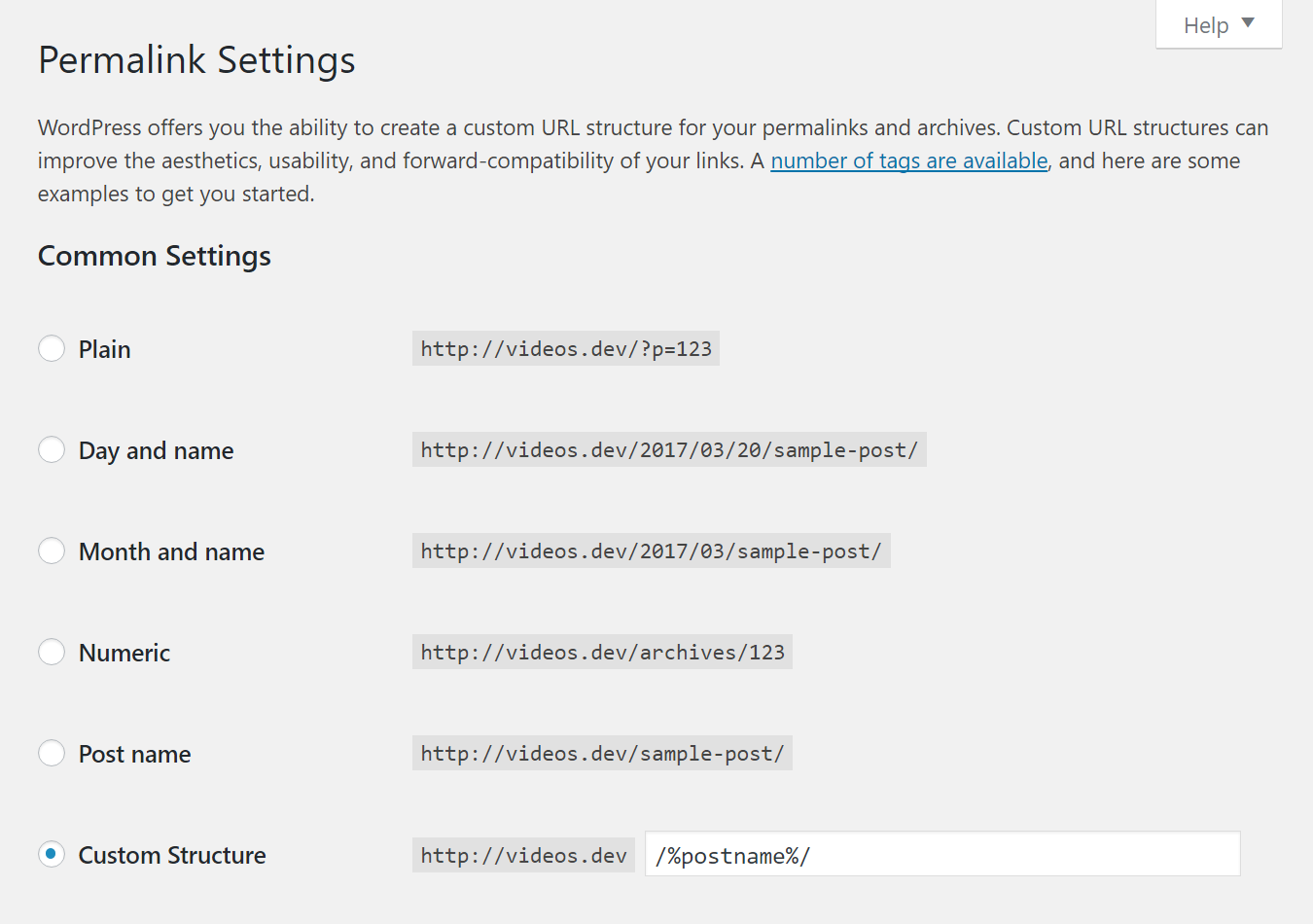
It is also required to use pretty permalinks on your website to have styles generated for this header.
Versatility
Control every aspect of your WordPress header, starting from background images, font sizes, header alignment, placement of your menus and even orientation of your submenus.









Match Your Colors
Awesome Header allows you to tweak the color of your WordPress navigation and create your own color scheme.







Retina-Ready
Awesome Header is responsive so it will look nice on all screen sizes and because it uses icon fonts, it will also look good on any screen resolution (Retina Ready).
It is automatically disabled on mobile devices, so it doesn’t waste that precious screen real estate.
Extensibility
If you’re a developer and you want maximum control of your Awesome Header, you’ll find plenty of filters and actions and info on how to use them in the documentation that comes with the plugin.
Change Log
v1.3 (10/22/2016)
- updated documentation
v1.2.9 (7/18/2015)
- added search types (underline (default), plain search field & slide below header)
v1.2.6 (7/7/2015)
- you can now set max. width for logo image
- menu items padding (left/right); also for sticky header
- menu item background & menu item background active colors added
- site title & site description have their own font size & color
- font sizes for sticky header for top, bottom, menu, site title & site description
v1.2.5 (6/18/2015)
- transparency slider added to headers to have RGBA backgrounds (also for sub-menus)
- genericons can have navigation label (anchor text)
- paddings instead of line-heights on top & middle/main menus and items
- various css/js fixes
- added notice that PHP v5.4 or higher needed for plugin to function properly
v1.2.3 (6/2/2015)
- description text for submenu items
v1.2.2 (6/2/2015)
- better search box
- choose menu for bottom section
- secondary menu (3 vertical dots)
- minor CSS fixes
v1.1.2 (5/15/2015)
- Set logo (vertical) alignment on sticky header
v1.1.1 (5/15/2015)
- Add active color for active menu items
v1.0.1 (5/14/2015)
- Fixes scrolling on mobile view