
Login to your account!
Join the World's Largest Web App Marketplace!
Great to see you here!
Let’s set up your account in just a couple of steps.
Forgot password?
Enter your username or email to reset your account.
Batch File Replace
By : binarymark Published On Tuesday, September 20, 2016, 21:41 In Apps

Search and replace text and raw bytes in multiple files. Includes multi-line text search & replace with wildcards, case-sensitivity, and match selection options. Full support for Regular Expressions with syntax highlighting and match substitutions. Built-in hex editor allows for easy entry of binary data to search & replace bytes.
What You Get:
- Professional, high-quality software
- Install and run in just a few clicks!
- Very light weight – less than 10MB
- Fully-functional, transferable license
- Basic support in case you have problems
- Free updates for the current version
- Product customization upon request
How It Works:
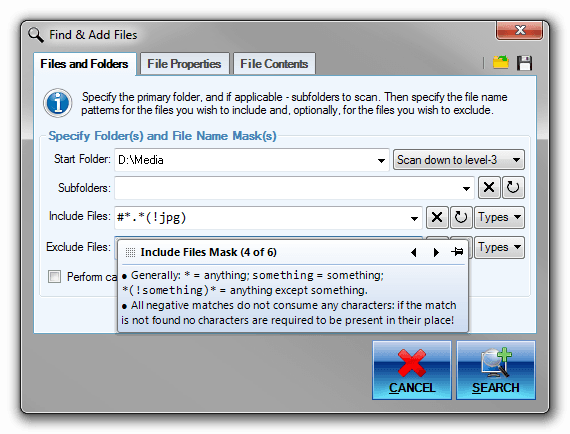
1. Select files you want to process:
- By dragging files from Windows Explorer
- By copy-pasting files or file paths
- By adding all files from a given folder
- By opening a text file containing file paths
- By recursively searching specified folders for all files matching specified properties: file name, size, text or binary contents, etc.
2. Specify actions to perform:
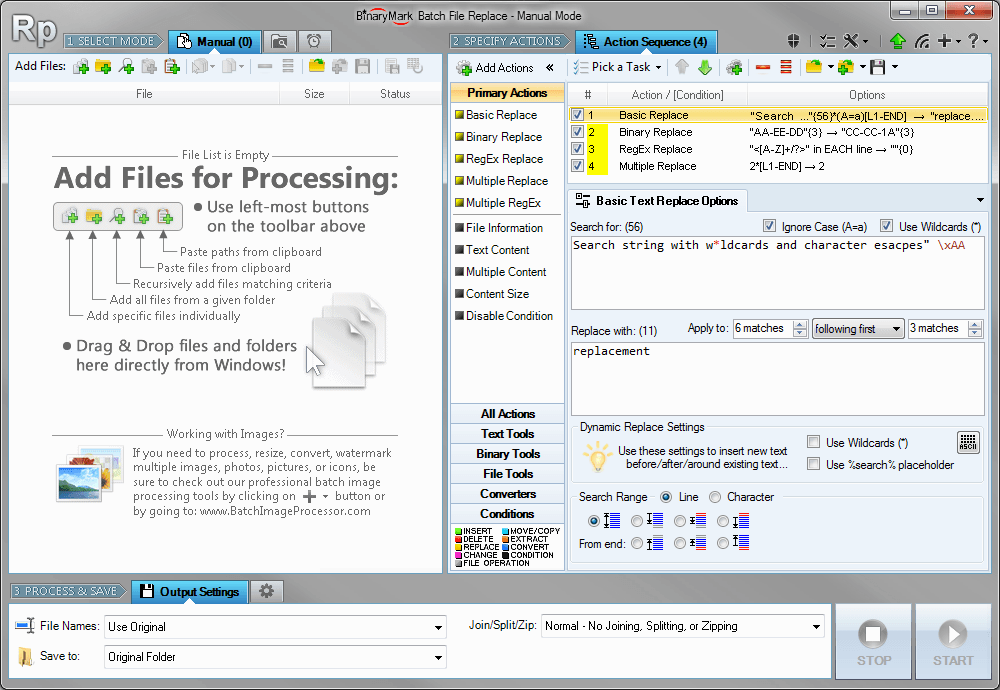
- Select from lots of actions: basic replace, insert bytes, delete, bit shift…
- Mix different actions together to create desired processing flow
- Use conditional processing for branching logic
- Choose from various built-in templates
- Save your processing routine to a template for future use
3. Process and save results

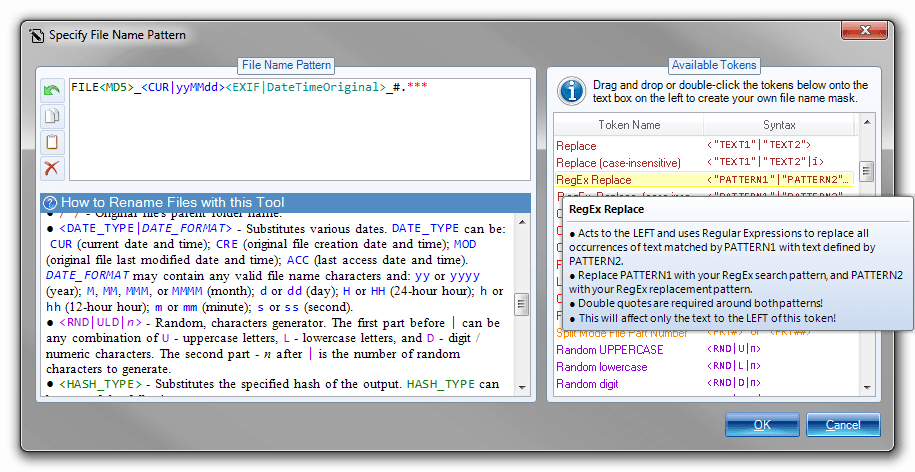
- Specify file name pattern using built-in editor:
- Choose desitination folder
- Existing folder
- New folder
- Absolute and relative paths
- Dynamic names based on processed file properties
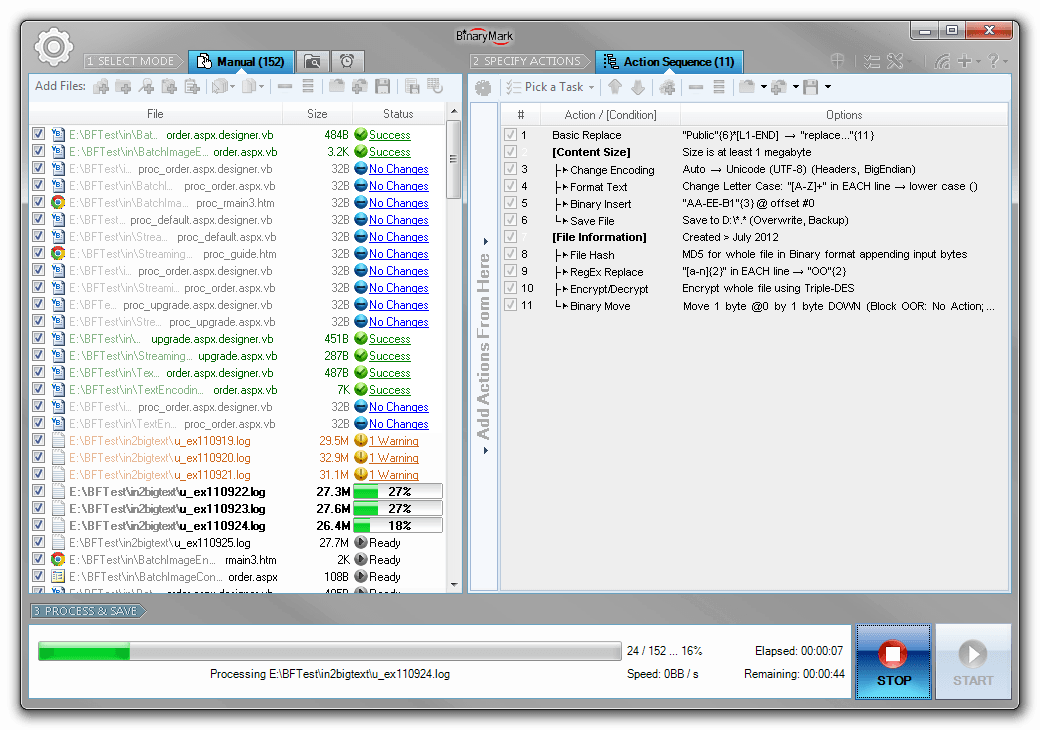
- Specify output mode
- Normal
- Join – merge all files together
- Split – split files
- Into specified number of parts
- Into parts of specified size
- Using a specified separator
Some Key Features
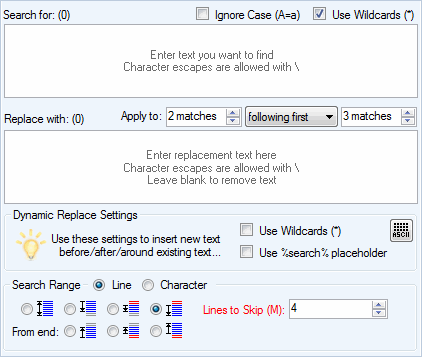
Basic Text Replace
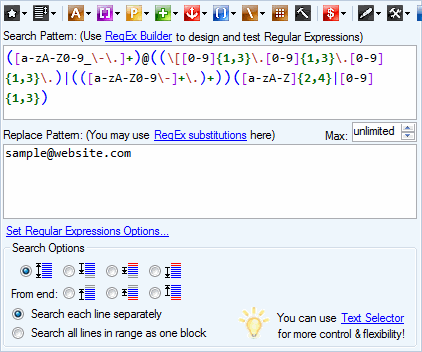
RegEx Replace
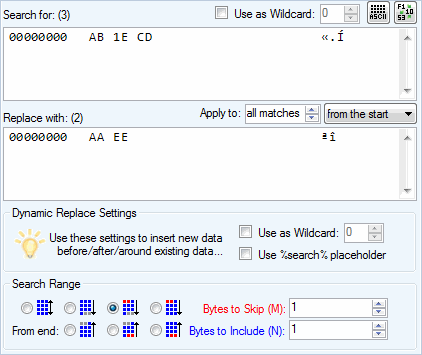
Binary Replace / Replace Bytes
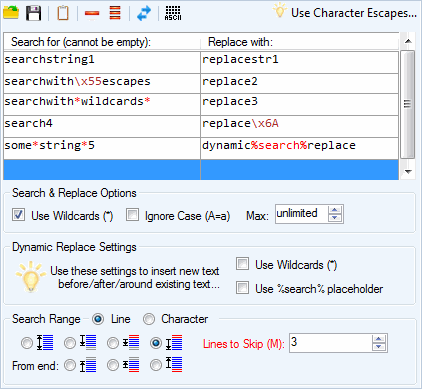
Multiple Text Replace
Multiple RegEx Replace
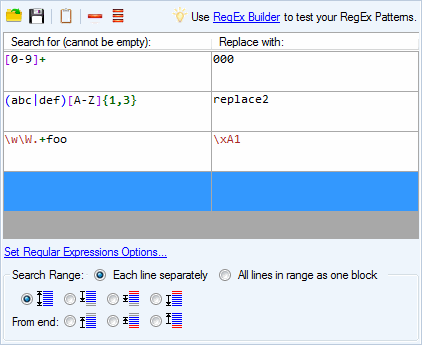
RegEx Features
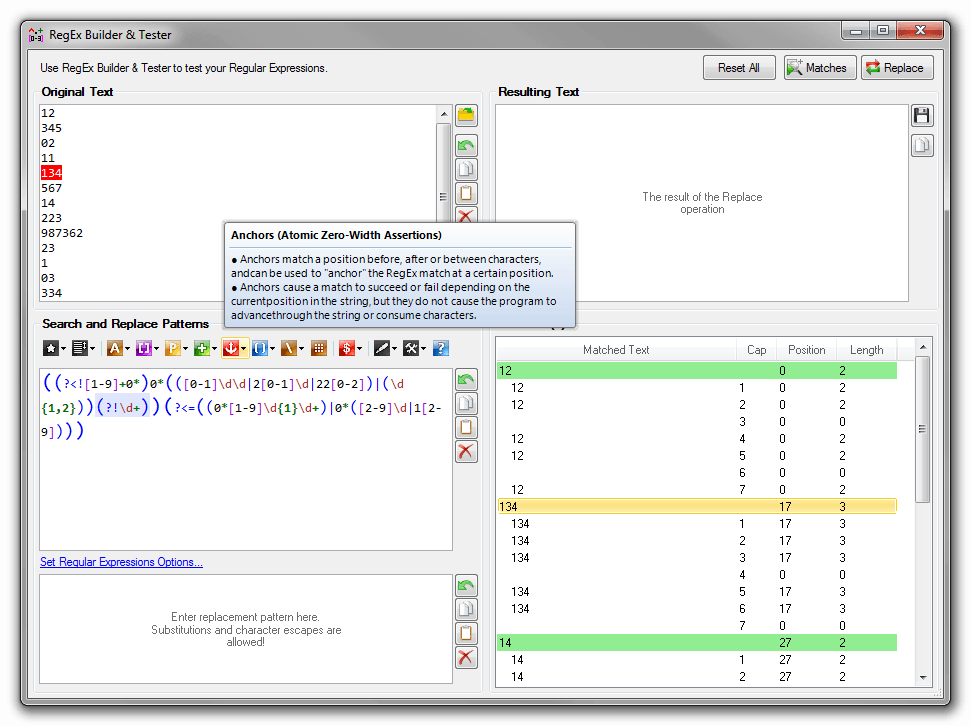
RegEx Builder & Tester with Syntax Highlighting
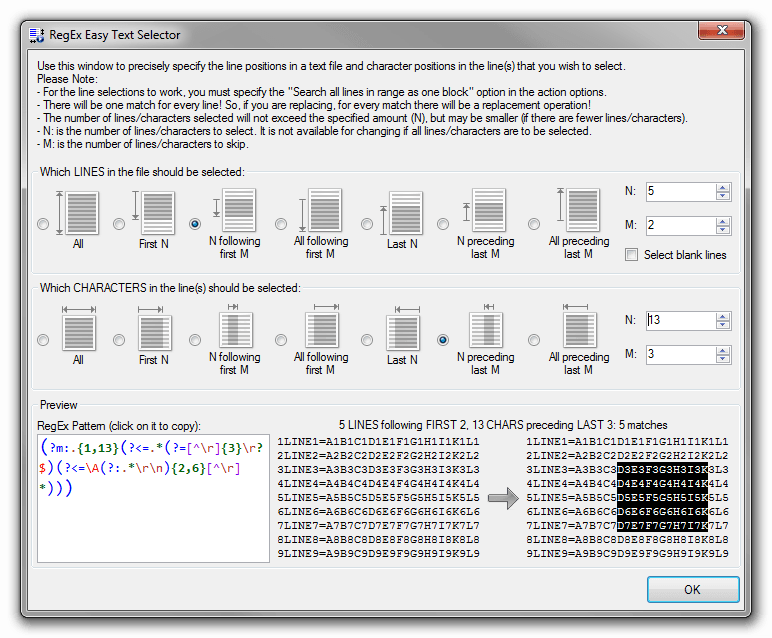
RegEx Text Selector Tool
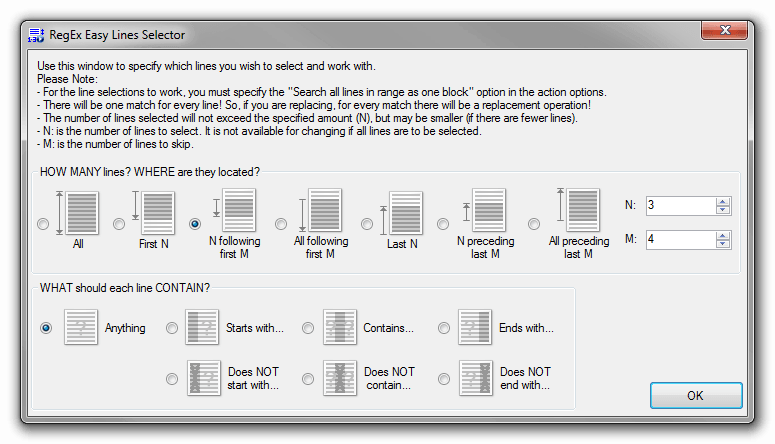
RegEx Lines Selector Tool
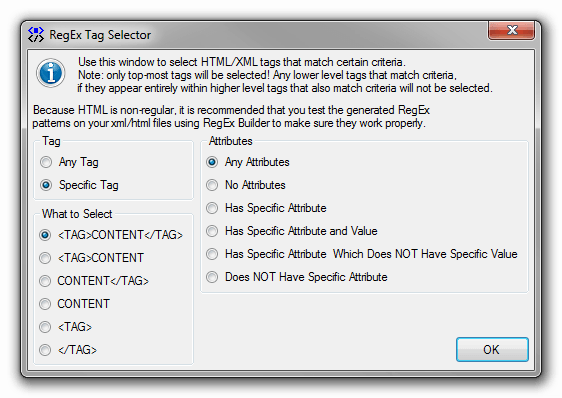
RegEx XML/HTML Tag Selector Tool
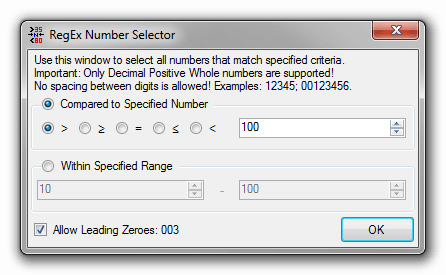
RegEx Number Selector Tool
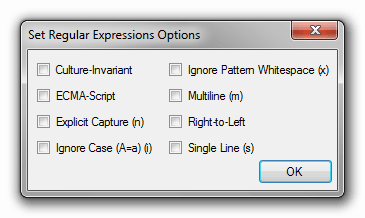
RegEx Options Dialog
Feature Summary
- Search and replace text and raw bytes in multiple files.
- Includes multi-line text search & replace with wildcards, case-sensitivity, and match selection options.
- Full support for Regular Expressions with syntax highlighting and match substitutions.
- Built-in hex editor allows for easy entry of binary data to search & replace bytes.
- Perform multiple replacements easily by entering plain-text or RegEx-based search-replace pairs into grid or import them from a file.
- Process 1000s of files using multiple CPU cores in manual, automatic/continuous, triggered/scheduled, or console modes, or directly from Windows Explorer right-click menu.
- Save files to output directory specified using either absolute or relative path, with original or new name defined by a mask.
- Select files for processing based on their name, dates, size, and contents using advanced file search supporting RegEx and advanced wildcards.
- Optionally merge together, split all, or zip processed files.
- Perform different operations on different files with conditional processing and process branching.
- Complete support for Regular Expressions (RegEx) and Unicode throughout the program.
- Detailed processing logs are available in both user interface and log files.
- Run multiple program instances simultaneously.


