
Login to your account!
Join the World's Largest Web App Marketplace!
Great to see you here!
Let’s set up your account in just a couple of steps.
Forgot password?
Enter your username or email to reset your account.
CloudPOS - Ultimate SaaS POS, Sales, Purchase & Inventory Management System
By : spagreen Published On Saturday, March 14, 2026, 15:26 In JavaScript
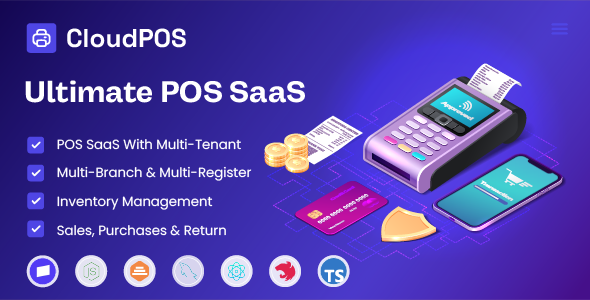
CloudPOS – Ultimate SaaS POS, Sales, Purchase & Inventory Management System
CloudPOS is a complete multi-tenant SaaS solution for starting your own Point of Sale business. Built for entrepreneurs who want to offer POS services to multiple businesses from one platform. Perfect for agencies, resellers, and SaaS startups looking to enter the retail management market.
Demo
|
Admin Panel: https://demo.cloudpos.site/admin Email: admin@cloudpos.site Password: admin123 |
Client Panel: https://demo.cloudpos.site/login Email: client@cloudpos.site Password: Password123 |
|
Landing Page: https://demo.cloudpos.site/ |
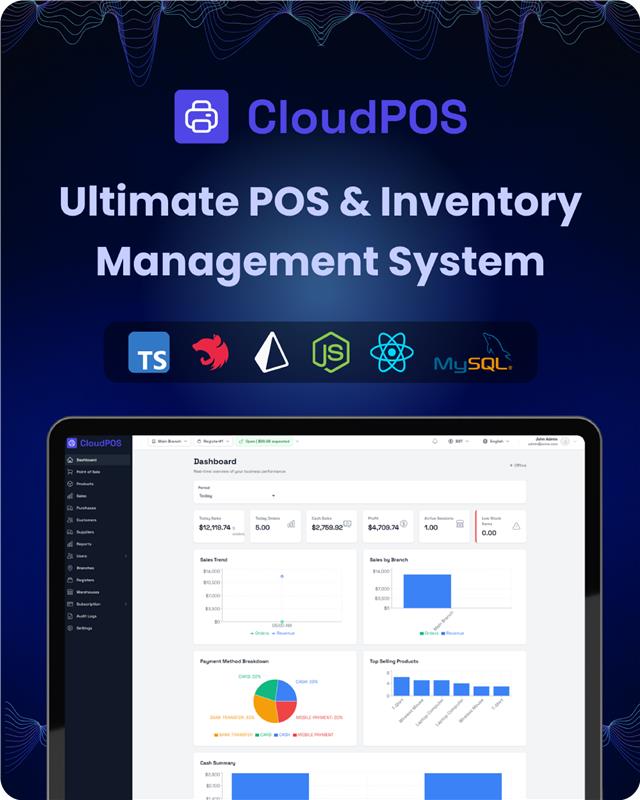

Why CloudPOS?
- Start Your SaaS Business Fast – Everything you need to launch a multi-tenant POS platform. No need to build from scratch.
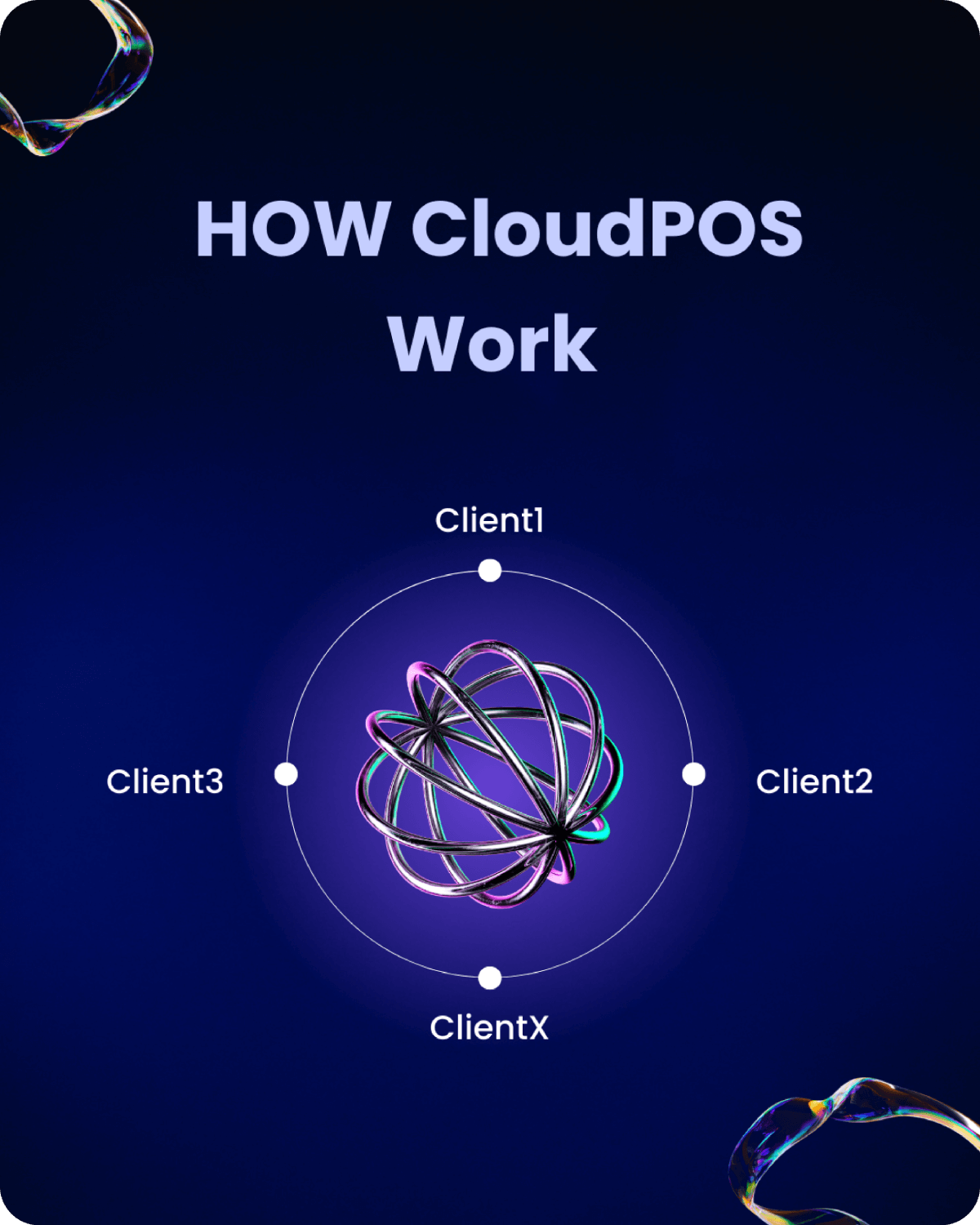
- Multi-Tenant Architecture – One installation serves unlimited businesses. Each client gets their own isolated data and branding.
- Subscription Management Built-In – Stripe integration handles plans, billing, and payments automatically. Set up monthly or yearly subscriptions.
- Complete POS System – Full point of sale with cart, discounts, taxes, multiple payment methods, and automatic invoice generation.
- Advanced Inventory Control – Multi-warehouse stock tracking, low stock alerts, barcode scanning, and automatic stock deduction on sales.
- Multi-Branch & Multi-Register – Support multiple store locations and cash registers. Perfect for businesses with multiple outlets.
- Comprehensive Reports – Sales reports, profit & loss statements, inventory reports, and customer dues tracking.
- Role-Based Access Control – Granular permissions system. Control what each user can see and do.
- White-Label Ready – Each tenant can customize their logo, favicon, and branding. Perfect for resellers.
- Production-Ready Code – Built with modern technologies, clean architecture, and security best practices.
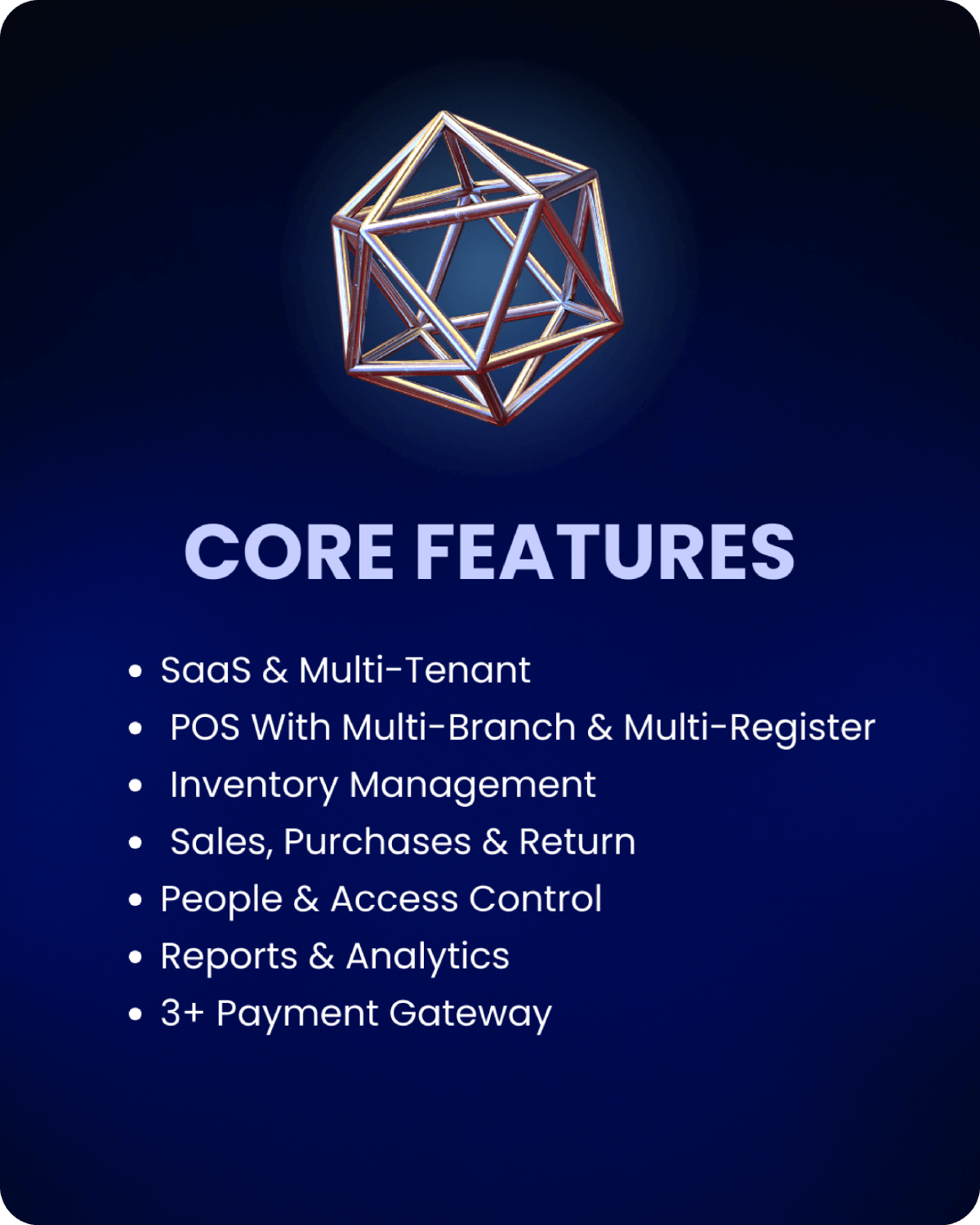
Core Modules & Features
SaaS & Multi-Tenant
- Multi-tenant architecture with complete data isolation
- Subdomain-based tenant access (each client gets their own subdomain)
- Subscription plans with configurable limits (users, branches, products, etc.)
- Stripe payment gateway integration for subscriptions (optional / if enabled)
- Monthly and yearly billing cycles
- Subscription status management (Active, Trial, Suspended, Cancelled, Expired)
- Automatic subscription expiry alerts via email
- Admin panel for managing tenants, plans, and subscriptions
- Super admin system for platform management
Point of Sale (POS)
- Fast product search by name, SKU, or barcode
- Barcode scanning support for quick product lookup
- Cart system with quantity management
- Item-level discounts (amount or percentage)
- Order-level discounts (amount or percentage)
- Configurable tax rates
- Multiple payment methods: Cash, Card, Bank Transfer, Mobile Payment, Credit, Other
- Automatic invoice generation on payment completion
- Automatic stock deduction with race condition prevention
- Transaction safety with atomic operations
- Sale cancellation and refund support
- Cash register sessions with opening/closing cash tracking
Inventory Management
- Product catalog with categories (hierarchical support)
- SKU and barcode management (auto-generation available)
- Product images, descriptions, and pricing
- Cost tracking for profit calculations
- Multiple warehouses per tenant
- Per-warehouse stock tracking
- Stock adjustments (add, subtract, or set quantity)
- Minimum and maximum stock levels
- Low stock alerts (automatic email notifications)
- Overstock alerts
- CSV import/export for products and inventory
- Stock transfer tracking
Sales & Purchases
- Complete sales management with status tracking
- Purchase order management
- Supplier management
- Customer management with credit limits
- Sales and purchase history
- Return and refund processing
- Invoice management (Draft, Sent, Paid, Overdue, Cancelled)
- Payment tracking with multiple payment methods
- Customer due tracking and reporting
People & Access Control
- User management with roles (Admin, Manager, Cashier, Staff)
- Granular permission system (manage_products, view_reports, etc.)
- Role-based access control (RBAC)
- User-branch assignment (control which branches users can access)
- User-register assignment (control which registers users can access)
- Multi-role support per user
- Email verification and password reset
- Audit logging for all system actions
Branches & Registers
- Multiple branches per tenant
- Multiple registers per branch
- Branch and register status management (Active/Inactive)
- Sales tracking by branch and register
- Cash session management per register
- Opening and closing cash tracking
Reports & Analytics
- Sales reports with date range filtering
- Profit & Loss statements
- Inventory reports (stock levels, low stock items)
- Customer dues report
- Branch and register-specific reports
- User-specific sales reports
- CSV export for all reports
- Daily and monthly period options
Settings & Configuration
- Business information settings
- Tax rate configuration
- Currency management (multiple currencies supported)
- Date and time format settings
- Branding customization (logo, favicon)
- Language preferences (multi-language support)
- Email configuration for notifications
Integrations (Optional / if enabled)
- Stripe payment gateway for subscription billing
- Email notifications (SMTP configuration required)
- CSV import/export for bulk operations
SaaS Business Ready
CloudPOS is designed to help you start a SaaS business immediately. Here’s how it works:
- Plans & Limits – Create subscription plans (Trial, Basic, Pro, Enterprise) with configurable limits. Control how many users, branches, products, or warehouses each plan allows.
- Tenant Management – Each business that signs up becomes a “tenant” with complete data isolation. They get their own subdomain and can’t see other tenants’ data.
- Subscription Flow – New tenants start with a trial. They can upgrade to paid plans through Stripe checkout. The system automatically handles subscription renewals, cancellations, and expiry.
- Payment Processing – Stripe integration (optional) handles all subscription payments. Supports monthly and yearly billing. Automatic invoice generation and payment tracking.
- Admin Panel – Super admin panel lets you manage all tenants, create plans, configure payment gateways, and monitor the entire platform.
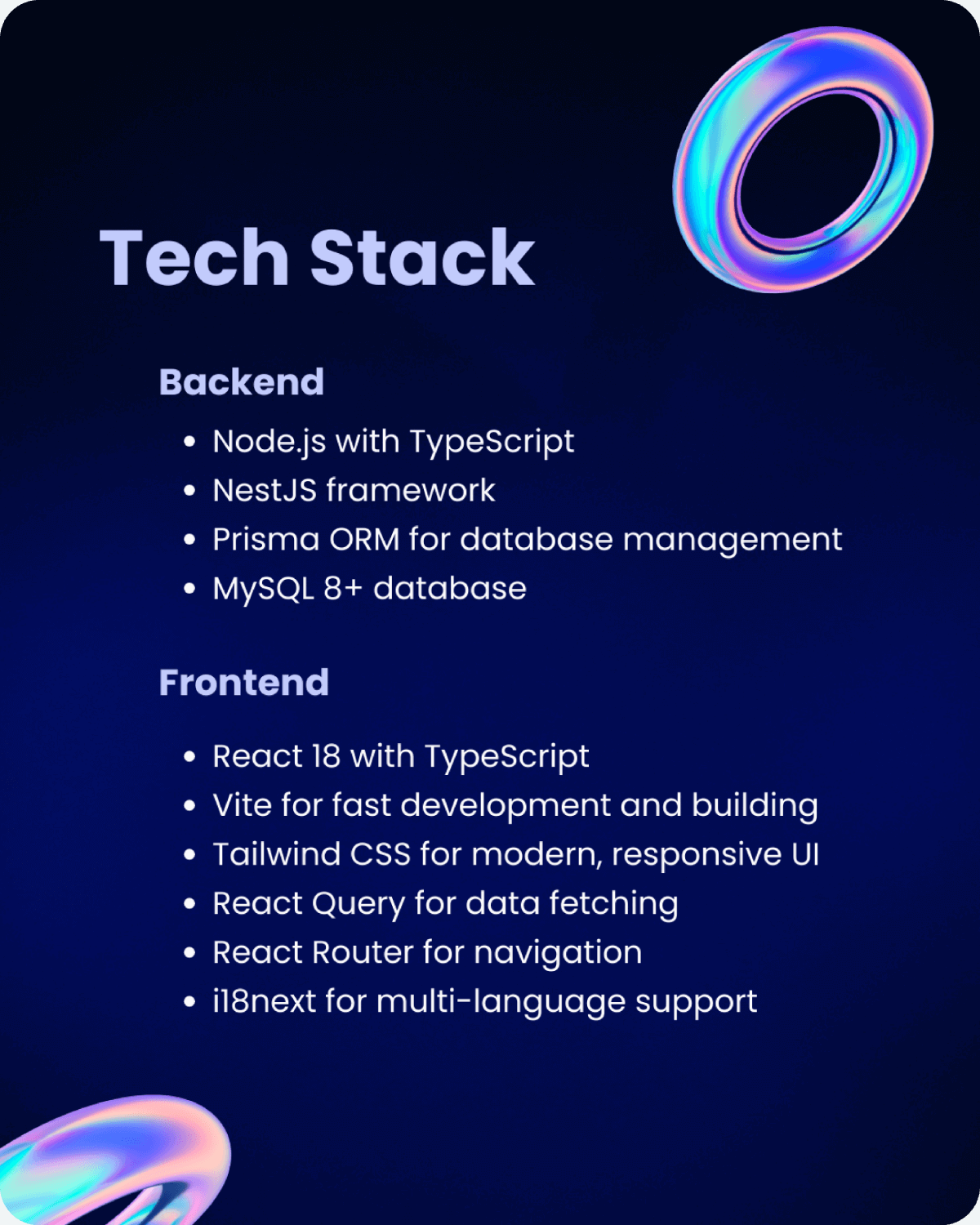
Tech Stack
Frontend:
- React 18 with TypeScript
- Vite for fast development and building
- Tailwind CSS for modern, responsive UI
- React Query for data fetching
- React Router for navigation
- i18next for multi-language support
Backend:
- Node.js with TypeScript
- NestJS framework
- Prisma ORM for database management
- MySQL 8+ database
- JWT authentication with refresh tokens
- Stripe SDK for payment processing (optional)
Installation (Quick Overview)
Full installation instructions are available in the documentation. Here’s a quick overview:
- Prerequisites – Install Node.js (v18+), MySQL 8+, and Git
- Clone & Setup – Clone the repository and install dependencies for both client and server
- Database – Configure MySQL connection in .env file and run Prisma migrations
- Environment Variables – Configure API keys, database URL, and other settings
- Run – Start the backend server and frontend development server
- Admin Setup – Create your first super admin account
For detailed step-by-step instructions, visit: https://docs.cloudpos.site
System Requirements
- Node.js v18 or higher
- MySQL 8.0 or higher
- npm or yarn package manager
- Minimum 2GB RAM (4GB+ recommended for production)
- Modern web browser (Chrome, Firefox, Safari, Edge)
- For production: Linux server with PM2 or similar process manager
Changelog
Version 1.0.0 – Initial Release
- Complete multi-tenant SaaS POS system
- Full POS functionality with cart, payments, and invoices
- Advanced inventory management with multi-warehouse support
- Comprehensive reporting system
- Role-based access control with granular permissions
- Stripe subscription integration
- Multi-branch and multi-register support
- Admin panel for platform management
- Email notifications and alerts
- Multi-language support
Support & Notes
Documentation First – Before contacting support, please check the comprehensive documentation at https://docs.cloudpos.site. It covers installation, configuration, usage, and troubleshooting.
Support – For technical support, feature requests, or bug reports, please use the support system on CodeCanyon. Include as much detail as possible about your issue, including error messages, steps to reproduce, and your environment details.
Demo & Documentation – Always check the live demo (https://demo.cloudpos.site) and documentation (https://docs.cloudpos.site) first. Most questions are answered there.
Important Notes:
- This is a complete SaaS system. You’ll need a server to host it.
- Stripe integration is optional but recommended for subscription billing.
- Email notifications require SMTP configuration.
- For production use, follow the production deployment checklist in the documentation.


