Login to your account!
Join the World's Largest Web App Marketplace!
Great to see you here!
Let’s set up your account in just a couple of steps.
Forgot password?
Enter your username or email to reset your account.
Ionic 3 UI/UX Multipurpose Theme/Template App
By : ionicfirebaseapp Published On Tuesday, August 01, 2017, 17:44 In Mobile

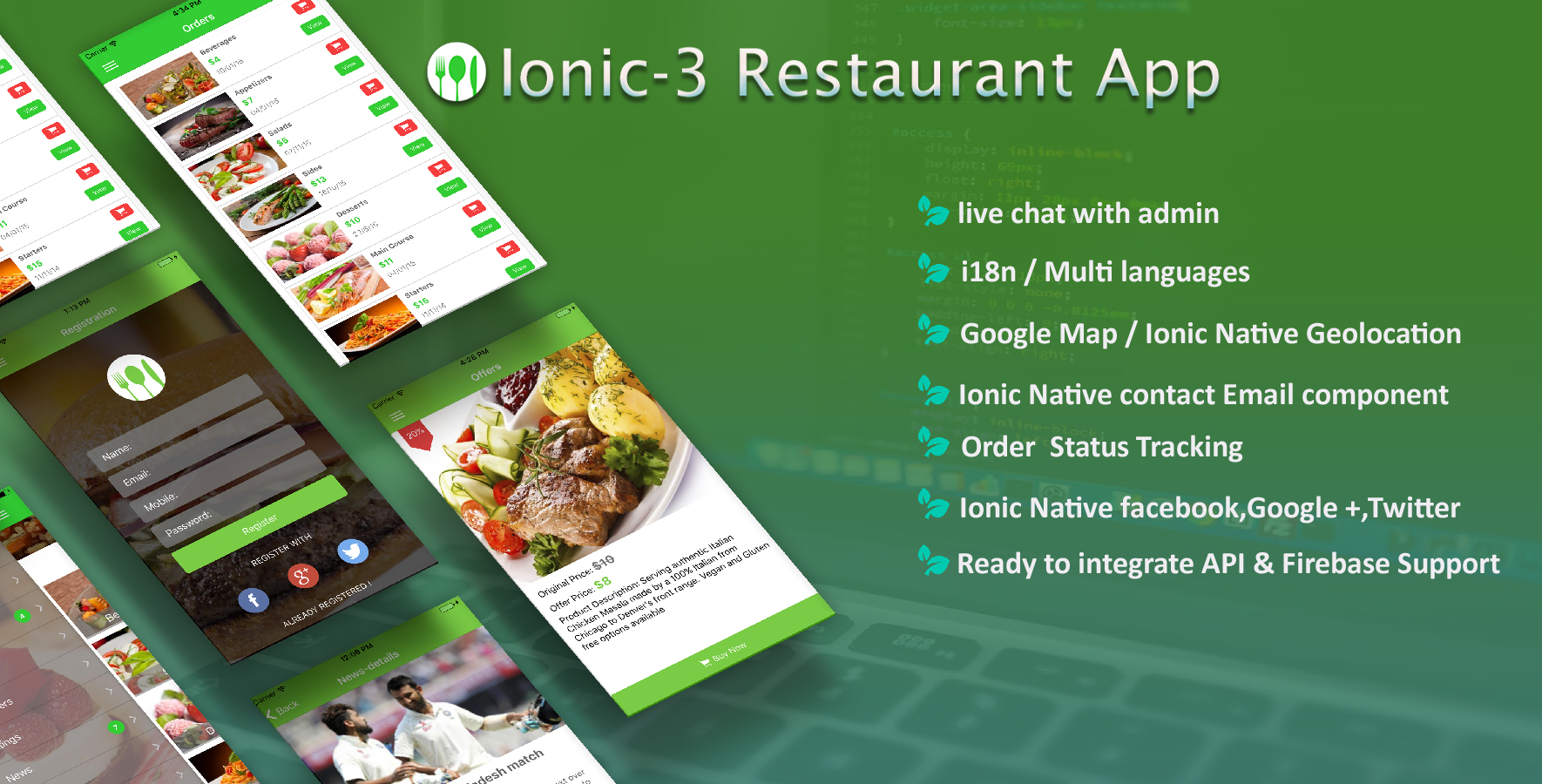
IONIC 3 Starter app has all the feature a developer will need when building an Ionic app. It includes more than 50 screens and components that you can use in any E-commerce, News, social, Event, Article, Notification app. We know a developer mostly uses some common ionic 3 native functionalities such as Admob, camera, app-rate, barcode-scanner, call-number, email-composer, local-notifications, media-capture, native-storage, one signal push, social-sharing, video-player, google maps, chart , google map , gallery , image-viewer , social login integrations, google maps, google places, geolocation and we take care of all the functionality in single bundle.
KEY FEATURE AND LAYOUT
VISIT WEBSITE FOR MORE PRODUCTS : https://www.ionicfirebaseapp.com/products


NATIVE FUNCTIONALITY
Social login integrationFacebook native Login integration , Advantage of native integration if user has Facebook install on device, it will just ask permission to access data from native app. Customer not need to enter there credential to get access token and data. |
Easily to useWe break this app into peace so developer can use any tiny peace want to use from this app to any app they develop. |
|
Capture video and playYou can start recording video directly from inside of your app . It will access your device camera . once you stop recording you can play videos as well. |
AdmobYou can add Admob in any app and earn money from it. We have add two type add one fullscreen adds and another will show bottom of the page. |
|
App RateOnce user install this app you can ask and rate and review your app. |
RTL Supportsupports your RTL (right-to-left) all the layout component. |
|
Google MapsCustom angular google map module been use . you can search place as well. |
Places/GeolocationUsed google location api to get all the location details you can search though and we also get user location with geolocation services.. |
SOME FEATURE LIST
- Angular 4 + Ionic 3 + Typescript(2.3.4) ( Latest Ionic V3.7.X )
- Google Maps
- Ionic Native Facebook
- Facebook Login
- Access user basic info from Facebook Graph API
- Ionic Native Google Plus
- Ionic Native Twitter-Connect ( Twitter connect Native module)
- Twitter Login
- Contact Form with Email Composer(used to send email from app )
-
Ionic Native 3.x
- @ionic-native/core
- @ionic-native/email-composer ( Send email from contact page)
- @ionic-native/facebook
- @ionic-native/google-plus
- @ionic-native/twitter-connect
- @ionic-native/in-app-browser
- @ionic-native/splash-screen
- @ionic-native/status-bar
- @ionic-native/call-number
- @ionic-native/geolocation ( Get the current user position )
- @ionic-native/onesignal
- @ionic-native/local-notifications
- @ionic-native/social-sharing
- @ionic-native/admob-free
- @ionic-native/app-rate
- @ionic-native/barcode-scanner
- @ionic-native/camera
- @ionic-native/local-notifications
- @ionic-native/media-capture
- @ionic-native/social-sharing
- @ionic-native/video-player
- @ionic-native//native-storage
- Written in SASS and Code optimize
- PUSH notification with onesignal
Note :This is our first release so if you found any issue or wanted some new feature get in touch by email and we get back to you ASAP ( Please include app name in Email subject ) .
Please Follow below command if you are using ionic Cli 3.X if you are still using 2.X you can continue using the command we provided in docs
  #Install Latest Ionic Framework
  $ npm install -g ionic@latest

  #Browse the App
  navigate to project directory

  #Install package.json dependencies
  $ npm install
  $npm install --save-dev --save-exact @ionic/cli-plugin-ionic-angular@latest @ionic/cli-plugin-cordova@latest

  #Test your app on multiple screen sizes and platform types by starting a local development server
  $ ionic serve
  or
  $ ionic serve --lab

  #Build iOS
  $ ionic cordova platform add ios
  $ ionic cordova build ios --prod --aot

  #Build Android
  $ ionic Cordova platform add android
  $ ionic Cordova build android --prod --aot

  #Deploying/Running on emulator
  $ ionic cordova run android --prod
OUR PRODUCTS https://www.ionicfirebaseapp.com/products
You can download and Test from Play store :
https://play.google.com/store/apps/details?id=io.ionic.ionicfirebaseappstarter
 CHANGE LOG :

# RELEASE 1.2.0 - ( 24th April 2018 )
 - Ionic version updated
 - UI enhanced
 - Firebase Registration / Login with CRUD operations
 - Some minor fix

# RELEASE 1.1.0 - ( 6th Nov 2017 )
 - Ionic version updated
 - Base color changes
 - Some minor fix

# RELEASE 1.0.0 - ( 1st Aug 2017 )
 - Initial Release
OTHER PRODUCTS