
Login to your account!
Join the World's Largest Web App Marketplace!
Great to see you here!
Let’s set up your account in just a couple of steps.
Forgot password?
Enter your username or email to reset your account.

* DEMO *
To view the plugin demo, please click on the link below, then click on the LAUNCH ADMIN DEMO button on the new page. VIEW DEMOWordPress and WooCommerce Support Tickets
WordPress and WooCommerce Support Ticket Plugin is a comprehensive and complete solution for WordPress and WooCommerce sites. This plugin is compatible with any template.Ticketing
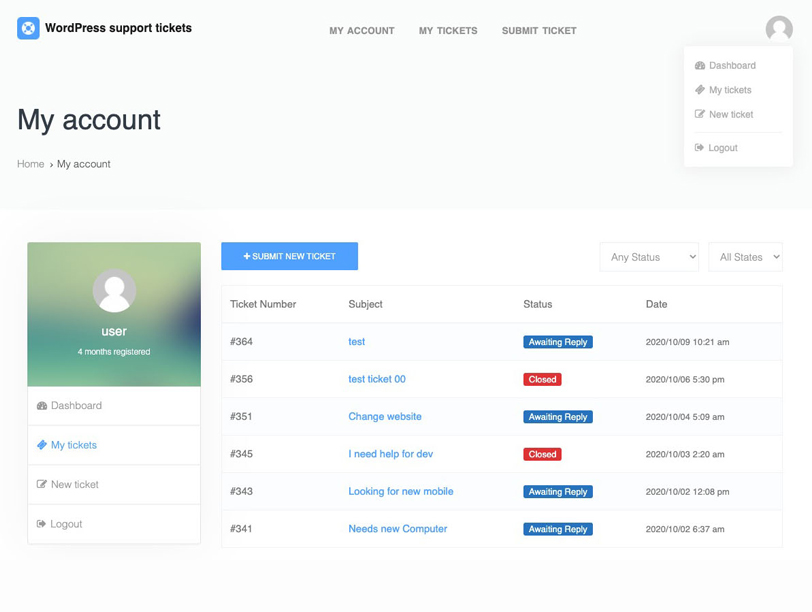 Users can submit tickets from the front-end, and your agents respond to them from the WordPress back-end
Categories
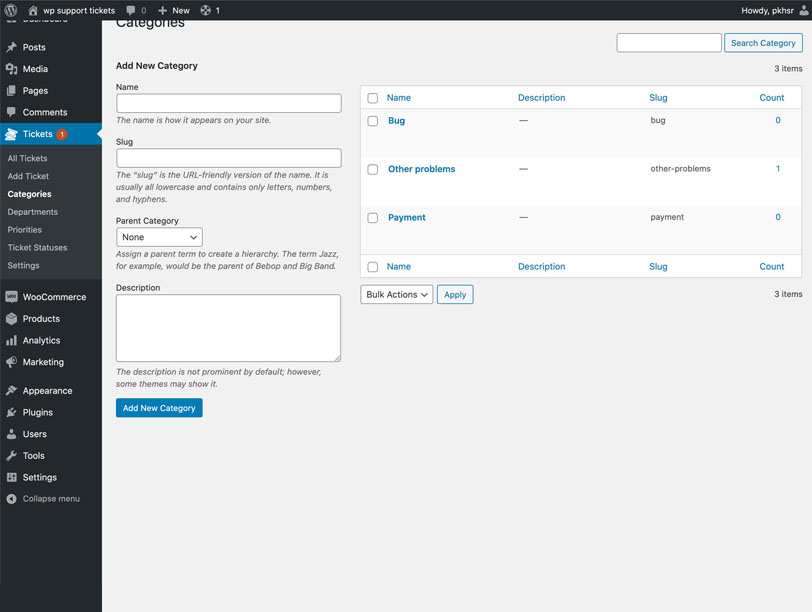 You can create unlimited categories for tickets. for example, create a problems category for sending tickets.
Departments
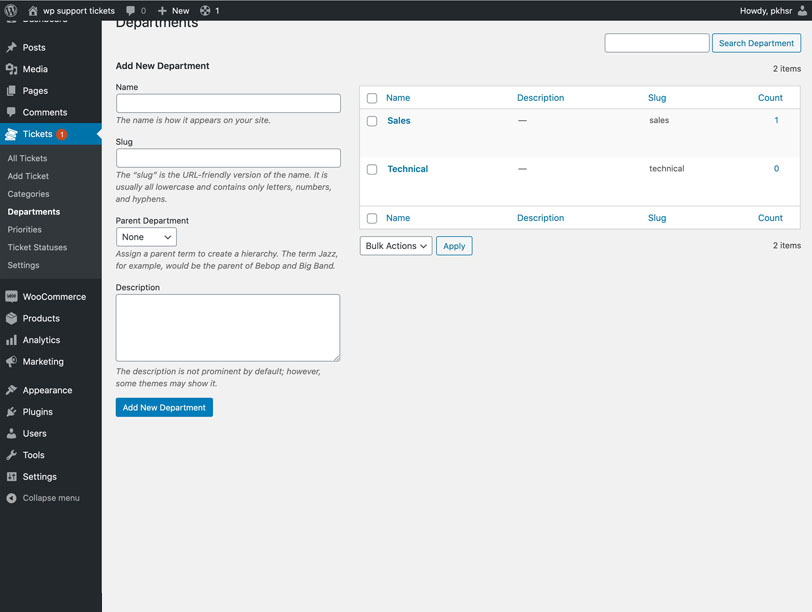 For better ticket management, you can create different unlimited departments such as the technical department or accounting, or sales department.
Priorities
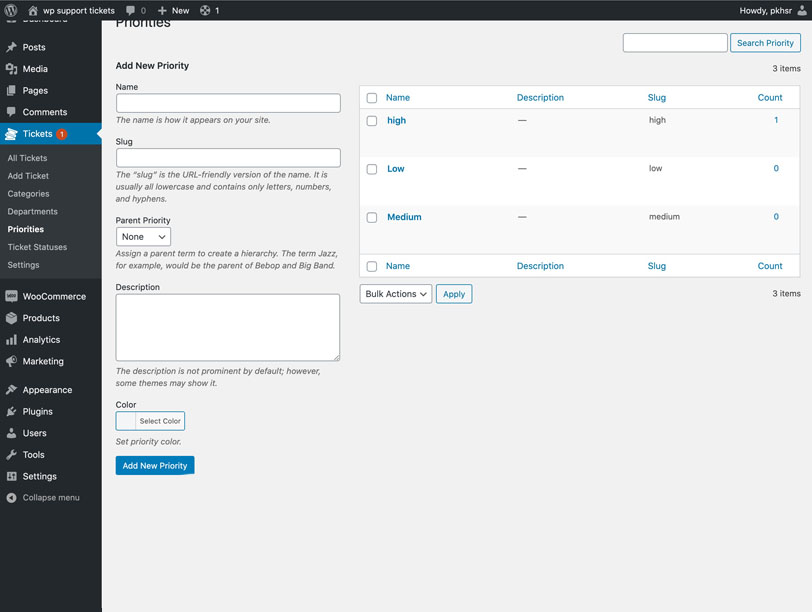 To better handle tickets, you can create priority levels for tickets.
File Attachments
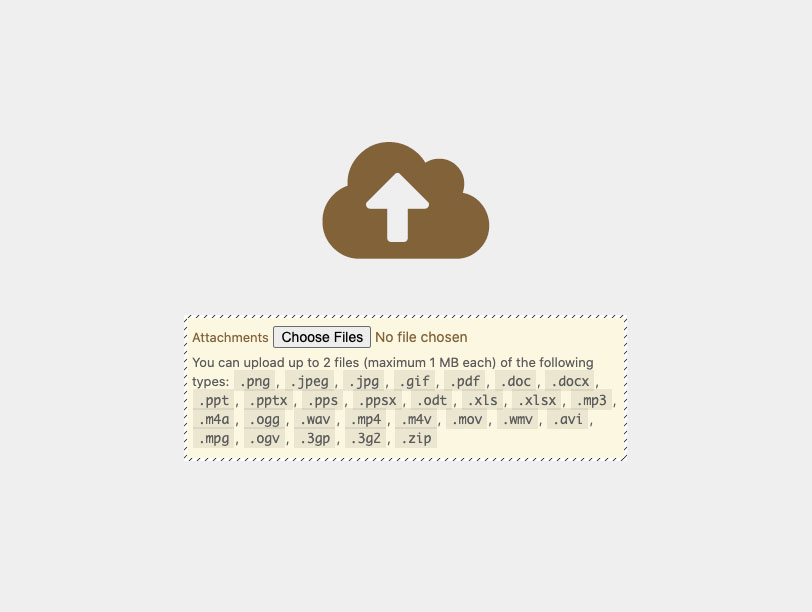 Users and agents can attach the file they want to each ticket. all uploaded files are uploaded in a separate folder in your WordPress upload folder for easier management. and finally the general advanced features in the settings there is a plugin to attach files.
Custom Statuses
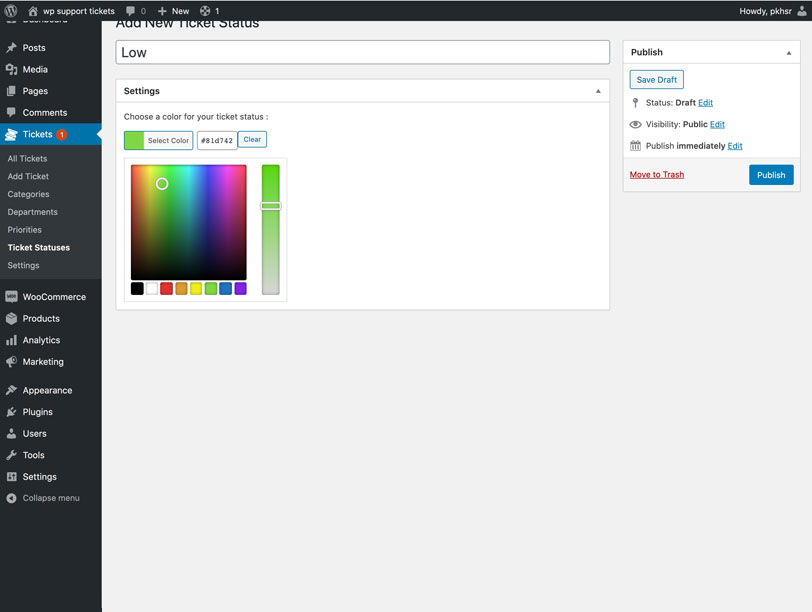 In addition to the default status for each ticket, you can define your desired status along with the desired color.
Support Agents
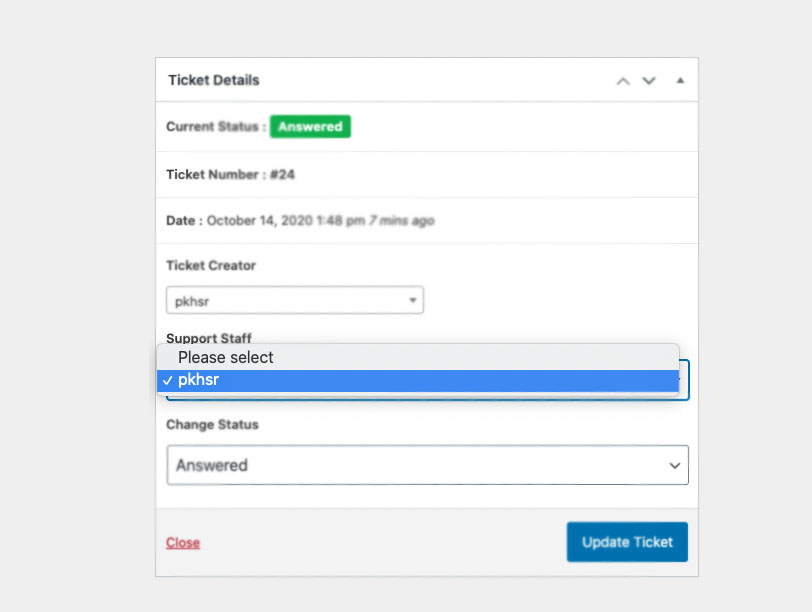 You can create an unlimited support agent or be responsible for responding to tickets. It is also possible to assign a ticket to the desired support agent in each ticket.
Sorting & Filtering
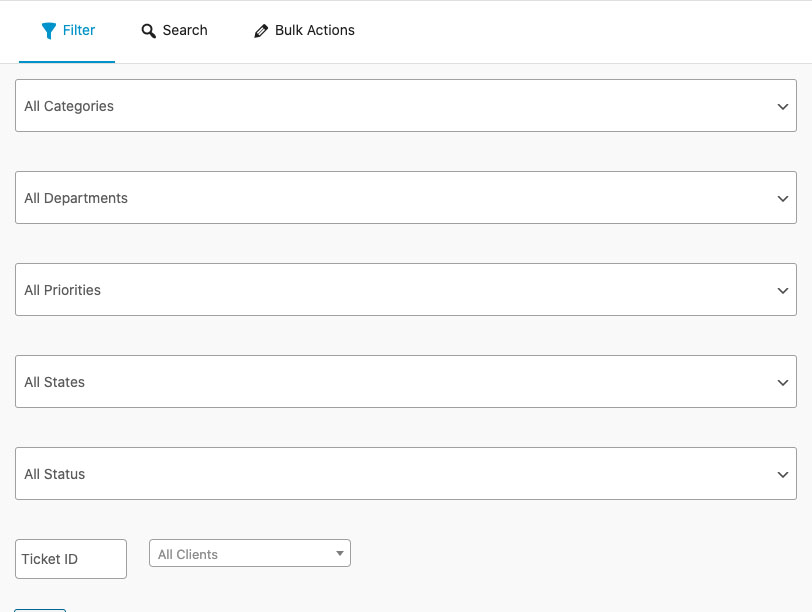 In the admin panel, in the list of tickets, there is a box called a filter or search that you can easily search for the submitted tickets.
E-mail Notifications
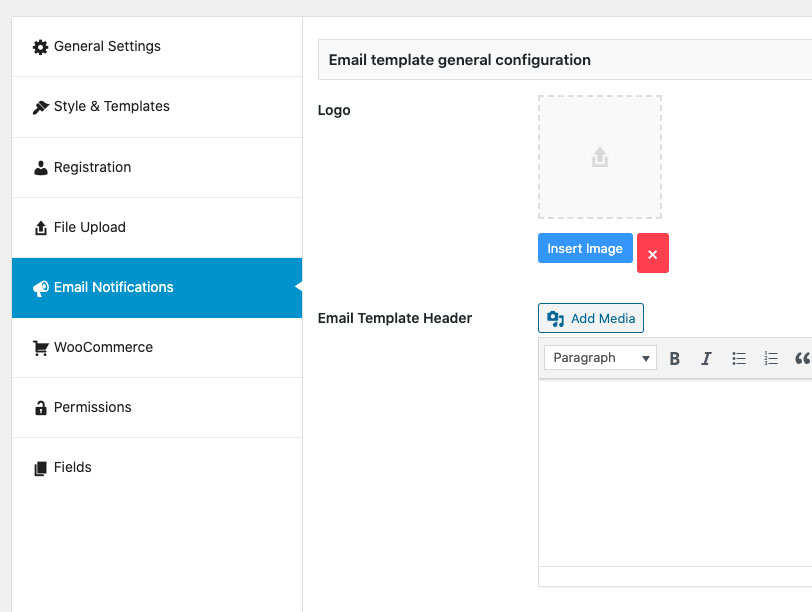 After sending or replying to the ticket, an email will be sent to the user or site administrator. There are also advanced features in the plugin settings to change text and email settings.
WooCommerce Integration
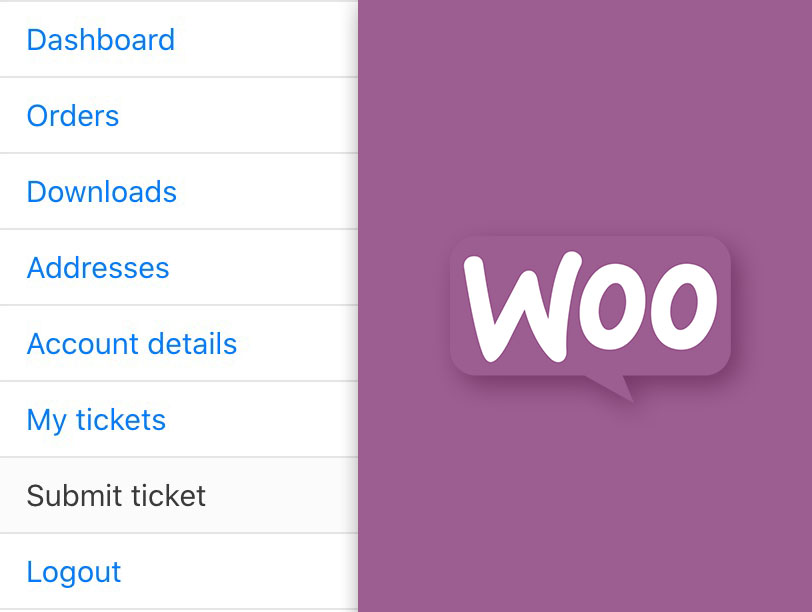 If you use WooCommerce, the ticketing system will automatically add ticket menus to the WooCommerce user panel. There are also some great features in the plugin settings that users can choose when sending a ticket, or if the manager The site wants to be able to display only the products in the field that the user has purchased.
Ticket Template
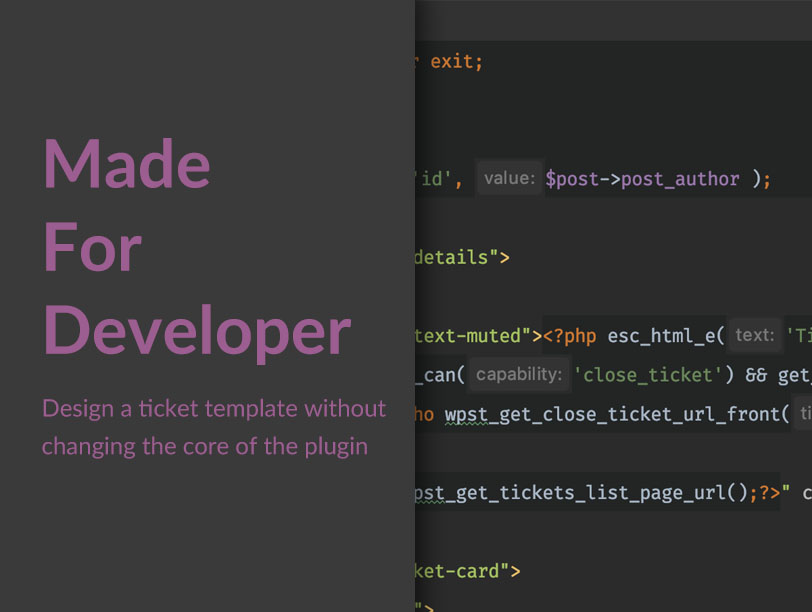 One of the great features of the WordPress Support Ticket plugin is the ability to design and code a ticket template that fits your website template, which means that by copying the template folder from your plugin, you can easily change the ticket template without having to change the design or customize plugin code.
Advanced Settings
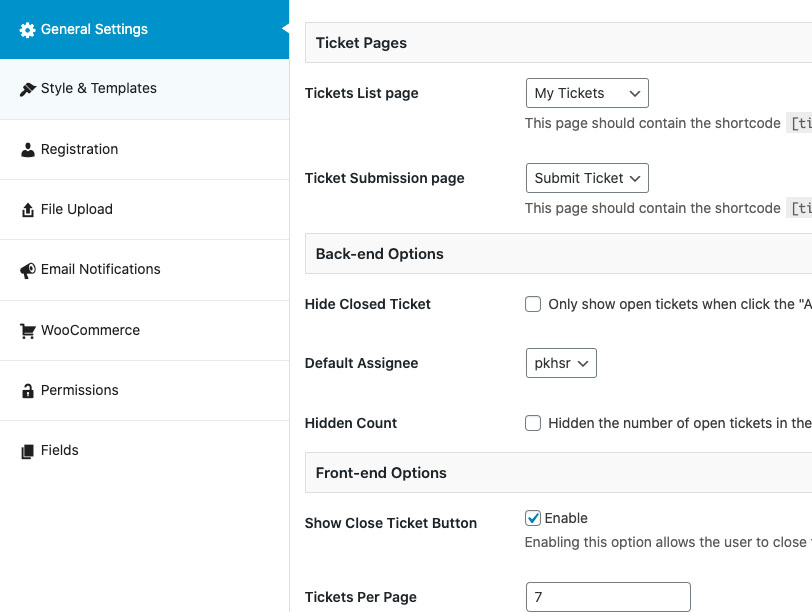 For almost all ticket sections, there are settings for the convenience of working with the plugin so that you can easily customize the WordPress ticket system for your site.
Changelog
Version 1.11.5
- Plugin compatibility with PHP 8
- The addition of the ‘View Tickets’ link in the Ticket Details box for quick access to all tickets of a user
- The ability to view ticket attachments for other staff members added to the ticket.
- Fixing the issue of the reply edit window not opening.
- Addressing some of the reported errors.
Version 1.6.2
- Smart loading of plugin JS/CSS files only on support ticket related pages
- Added Bootstrap 5 skin to the plugin
- The addition of a dedicated skin named Nikan for sites that do not intend to use Bootstrap
- The possibility of assigning a ticket to several people to be notified of ticket announcements
- The possibility of assigning users to email notification templates separately, to be updated with notifications in the plugin settings.
- Adding a link to view the user’s profile and orders (WooCommerce) in the ticket for support staff
- Automatic registration of settings related to WooCommerce after activating the plugin
- Fixed some errors in the plugin template system and access levels
Version 1.8.3
- Fixing the problem of displaying the categories, priorities, and departments drop-down form when sending a new support ticket.
- Attachments will open in a new window
- Display the button to send a support ticket in the order list and details of the WooCommerce order


