
Login to your account!
Join the World's Largest Web App Marketplace!
Great to see you here!
Let’s set up your account in just a couple of steps.
Forgot password?
Enter your username or email to reset your account.


Additional images lead to more conversions! This is a written law. When you want to create appealing WooCommerce product pages you should add as many images as possible. Unfortunately WooCommerce does not allow having additional variation images. This is where our plugin steps in: install and activate our solution, edit a variation product and add as many additional images as you want with ease. Furthermore you can use our plugin on single product pages. Use lightbox, fullscreen, show pagination dots and arrows – all fully cusomizable.
Why do you need this?
- Fully responsive Product gallery Images plugin
- Enable Fullscreen, Zoom, Lightbox or Pagination Dots / Arrows with ease
- Works with every Theme
- Show Additional Variation Images (Gallery)
- Increase Conversion by showing more Product Details
- Display 2nd Gallery images in product listings (Single variations plugin needed)
Incredible Features
Show Unlimited Variation Images
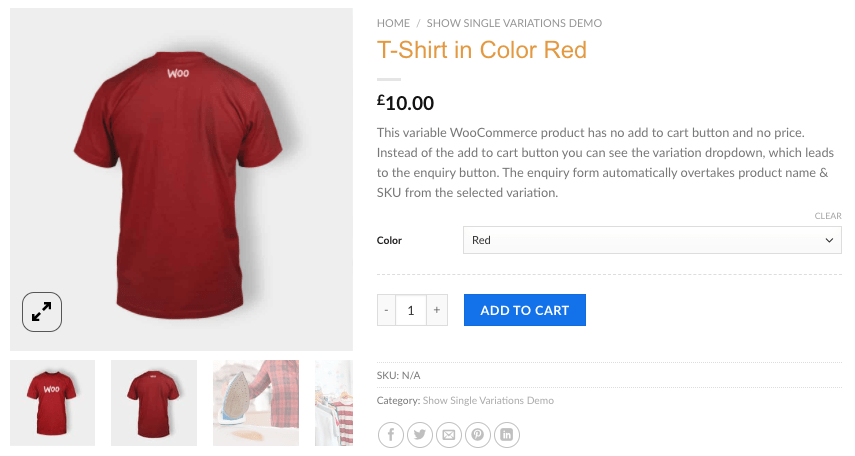
Add unlimited product images to your variation products in WooCommerce.
Lightbox & Fullscreen & Zoom Functionality
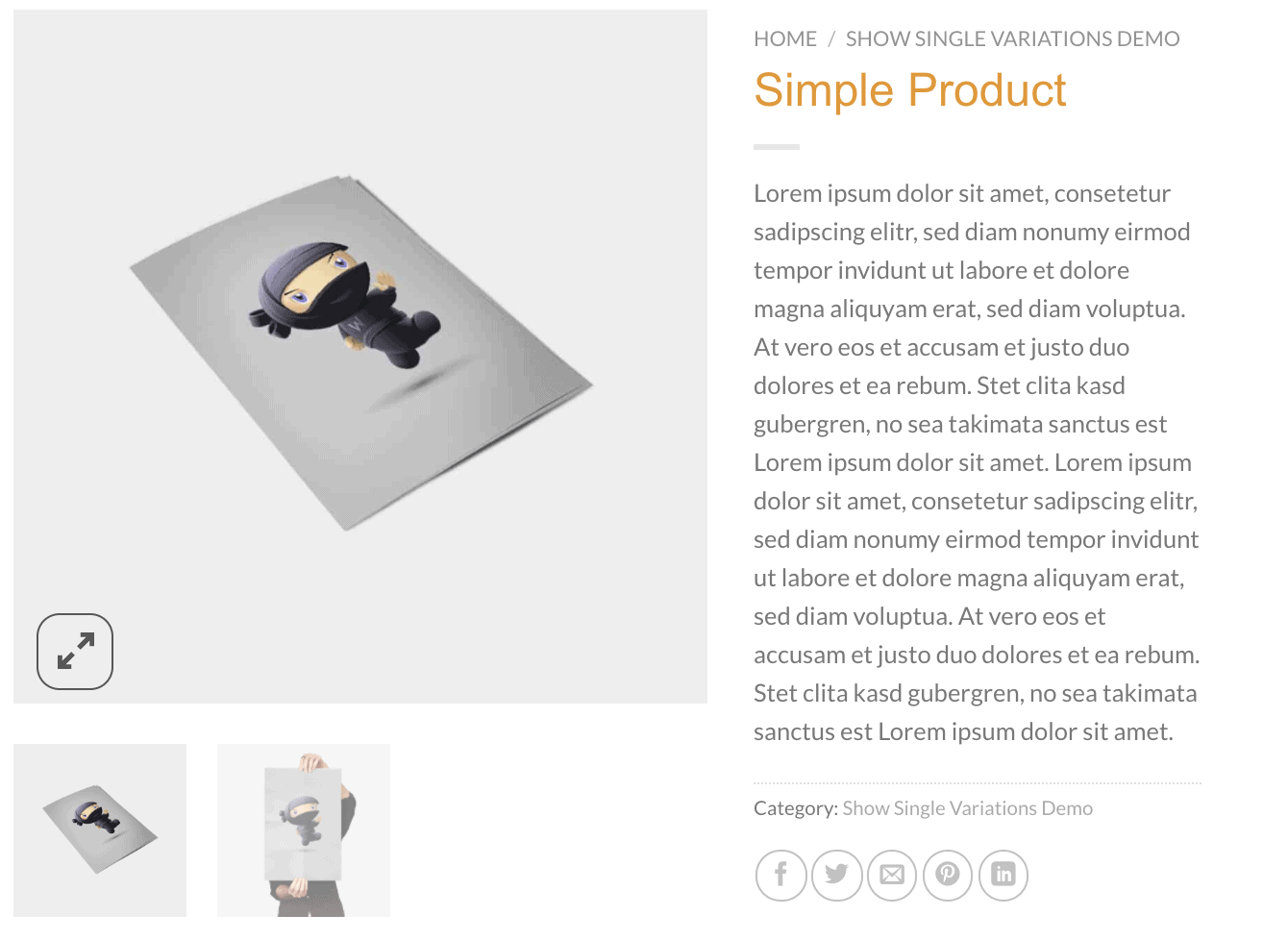
Enable or disable Zoom, Lightbox, Navigation Arrows, Fullscreen mode and much more.
Show all Variation images
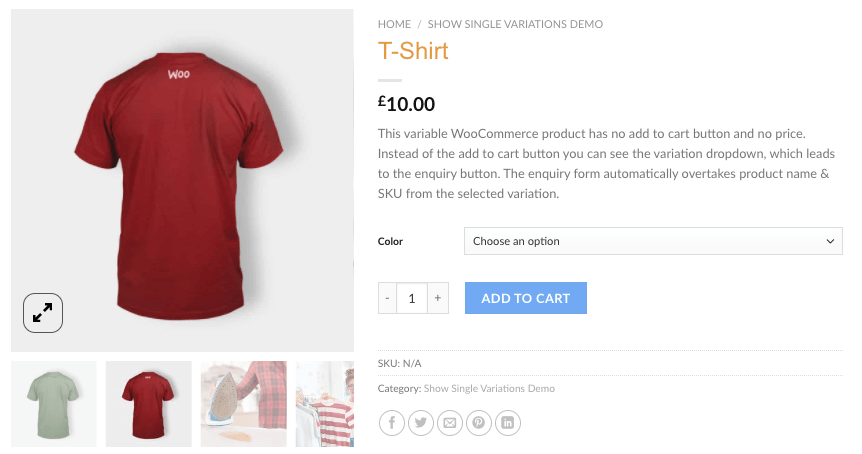
No longer add all variation images to your variable parent product. Our plugin automatically can show all variation images at the main product.
Show 2nd Variation image in Product Categories
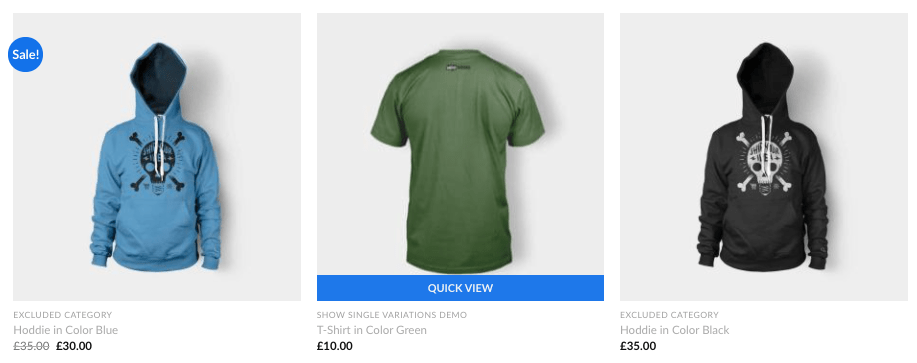
The second variation image can be used in product category listings. This requires a single variation product plugin.
Easy to Add variation images in backend

Drag and drop to sort, live delete with a simple click and add variation gallery images directly in the backend. We use native Woo functionalities for this.
Latest WPMP, WooCommerce & WP Support
Our plugin was tested with latest versions of WordPress, WooCommerce and WPML.
Well documented
As all our products, we created an easy to follow documentation including an explanation & setup video. > Online DocumentationPlus
We are an Envato Elite Author and provide you with fast support.
Changelog
======
1.0.6
======
- NEW:    ! Unique feature !
        Variable products with multiple attributes will return first found image
        when variation form changed.
        Example: T-Shirt with Color & Size -> customer changes only color -> image will get first found variation
        No longer need to create "any" variations
        See example: https://demos.welaunch.io/woocommerce-gallery-images/product/2-attributes-variable-t-shirt
- FIX:    removed blocking AJAX async
- FIX:    Gallery button texts missing

======
1.0.5
======
- NEW:    General enable button will now still
        allow using category / loop gallery images
        This will keep your theme default gallery.
======
1.0.4
======
- NEW:    Disable thumbnails
        https://imgur.com/a/eb7U3BA

======
1.0.3
======
- FIX:    Lightbox not working when zoom disabled
- FIX:    Renamed certain parts in plugin settings
        Pleae recheck your settings afterwards

======
1.0.2
======
- FIX:    attachment_ids not defined

======
1.0.1
======
- FIX:    Admin css file not found

======
1.0.0
======
- Initial release


