
Login to your account!
Join the World's Largest Web App Marketplace!
Great to see you here!
Let’s set up your account in just a couple of steps.
Forgot password?
Enter your username or email to reset your account.
70+ 3D RSS Icons & Text Renderings
By : Graphic-Studio Published On Tuesday, February 02, 2010, 03:24 In Isolated Objects
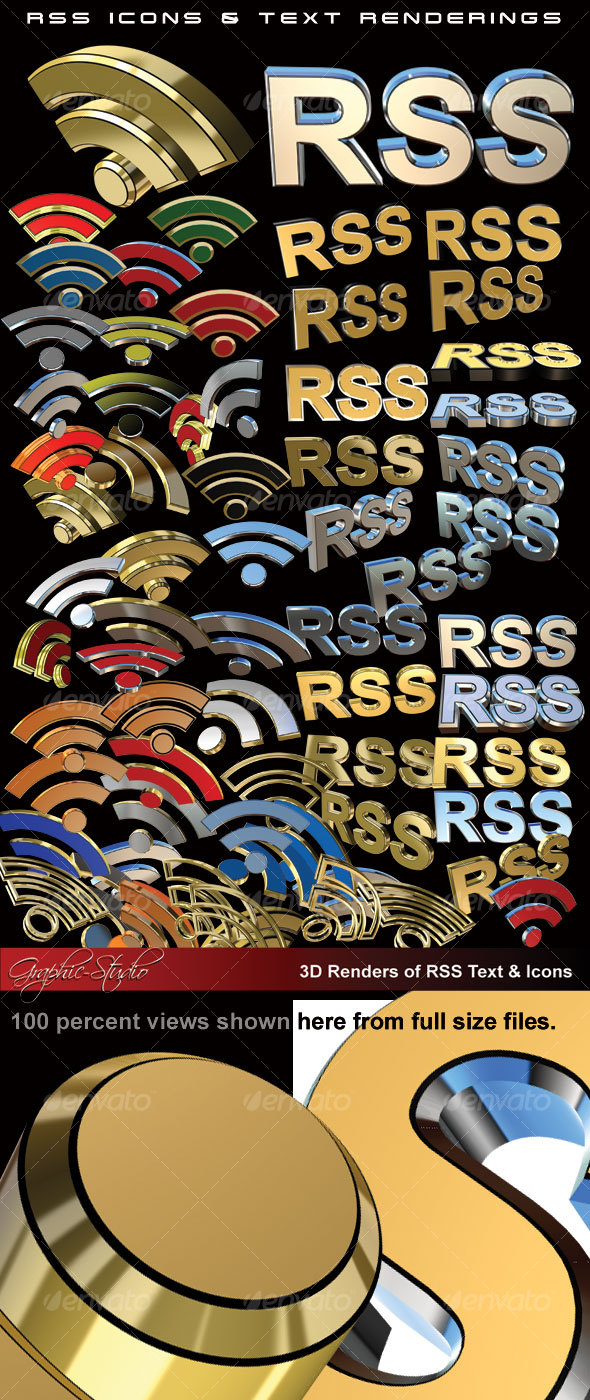
35-RSS-TEXT Renders.psd and 45-RSS-ICONS-Renderings.psd
Each contains a number of layers for each item.
Simply open either file, select the Icon or Text you want. Copy and Paste into your document ( or drag and drop).
You cannot use the Photoshop 3D Tools, these items are Renders, flattened on each layer. This item created using CS4, but you should be able to use from version 6 and up.
You can mix and match, there are various renderings in gold, Chrome and other colors (see the preview image).
Please comment me or PM me through GraphicRiver.
| CHECK OUT SOME OF MY OTHER ITEMS: | |||||
 |
 |
 |
 |
 |
 |
 |
 |
 |
 |
||
 |
 |
 |
 |
||
 |
 |
 |
 |
||
 |
|||||


