
Login to your account!
Join the World's Largest Web App Marketplace!
Great to see you here!
Let’s set up your account in just a couple of steps.
Forgot password?
Enter your username or email to reset your account.
Clean Stationary Mockup
By : ibrunomart Published On Tuesday, January 26, 2010, 04:03 In Graphics
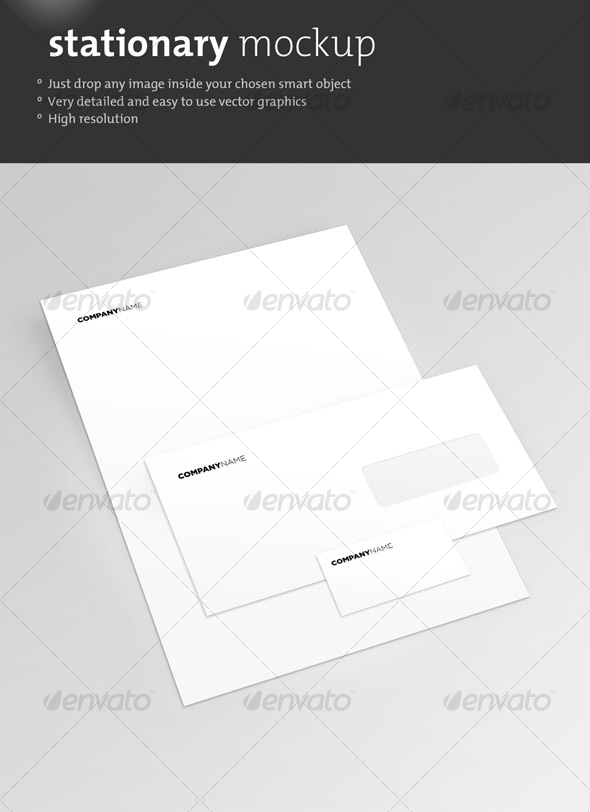
Clean vector Mockup in with all the layers intact. Simple to customize, just drag and drop.
Step-by-step instructions:
1 | Select and Copy your vector or bitmap artwork from your design application into the desired Smart Object layer by double clicking it.
2 | Add additional artwork layers or make customizations to the object image shadows or background.
3 | Save the final image.
Note: Non-CS3 users: instead of CS3’s Smart Object feature, use Photoshop’s Free Transform tool to create perspective or the Vanishing Point filter.
The font used for the placeholder was Gotham and Gotham Rounded – http://www.typography.com/fonts/font_overview.php?productLineID=100030


