
Login to your account!
Join the World's Largest Web App Marketplace!
Great to see you here!
Let’s set up your account in just a couple of steps.
Forgot password?
Enter your username or email to reset your account.

Share your memorable stories, pictures, and your world with this little beautiful WordPress blog theme – Calmer.
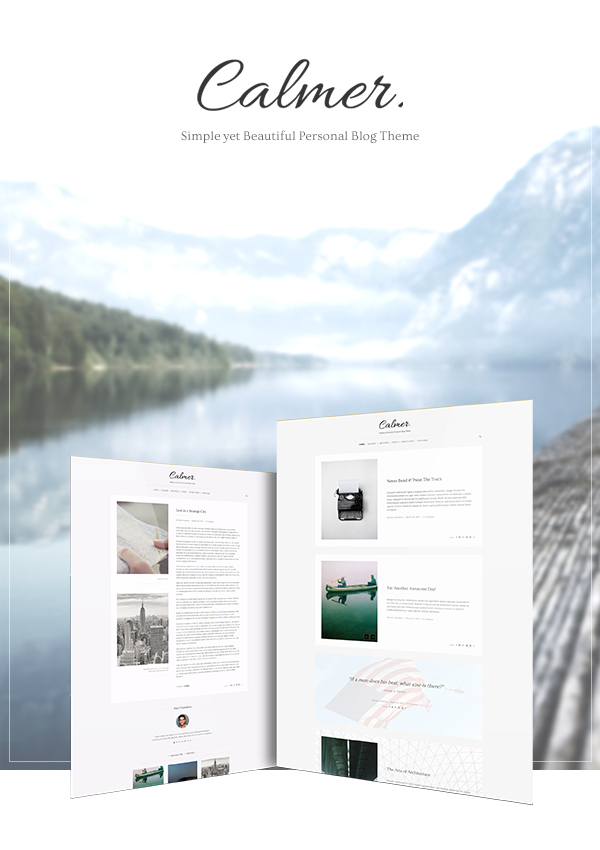
Calmer theme is designed for the blogger like you who have a lot of valuable stories to share. There are many reasons why you are going to love this blog theme. Let’s find out why:
Beautifully & Uniquely Crafted
Content is king, design is queen. Great stories can be more stand out with a great design. The design can improve the overall emotions of your blog and represent your unique character. The readers will feel a lot more engaged in your journal. That is the primary goal of Calmer theme.
With the layout design that focuses on your content, the sweet composition of text and pictures, and the perfect combination of chosen typography, you and your readers will easily feel the visual messages that the theme conveys.
Anyone can find a blog theme to write but not everyone prefers to use the theme that is beautifully crafted for his or her own memorable stories. What about you?
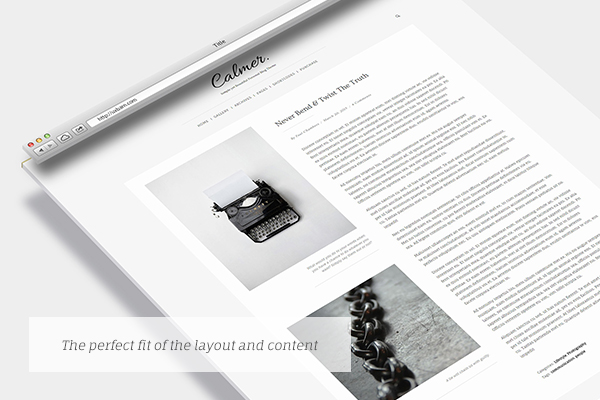
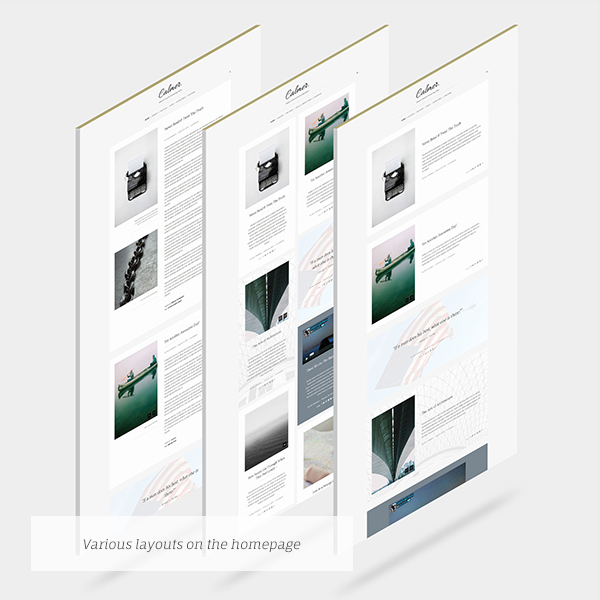
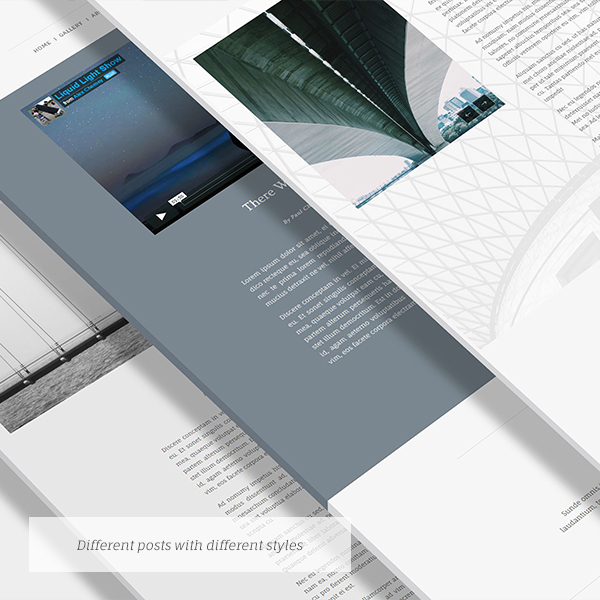
5 Post Formats 2 Blog Layouts
Stories can be told in many ways in the communication, even on your blog. You can pick from what the theme provides that suits your story best. It can be either Normal, Image Slider, Video, Quotation, or External Link format.
There is also an option for you to choose whether to display your stories on homepage as classic style, masonry style, or even showing the full post content instead of the list. The choice is yours.
To see all post formats in action, please click here.
Styling Your Awesome Stories
Not only text and pictures that you can put into each of your stories, but you can change some styles of it as well. Whether it is the background color, background image, overlay color for the background image, text color, or the post layout, you can change these styles individually right on the admin screen.
Each story might have its own unique atmosphere to share, so let?s just show that along with the content using this WordPress blog theme.
Sharing on Social Network
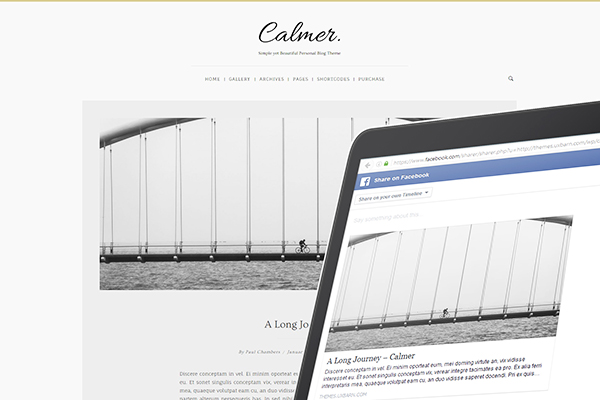
The theme supports social sharing on the selected social network sites like Facebook, Twitter, Pinterest, Google+, LinkedIn, and also sending via email. Your stories are now easier to be spreaded out among your readers.
Completely Responsive
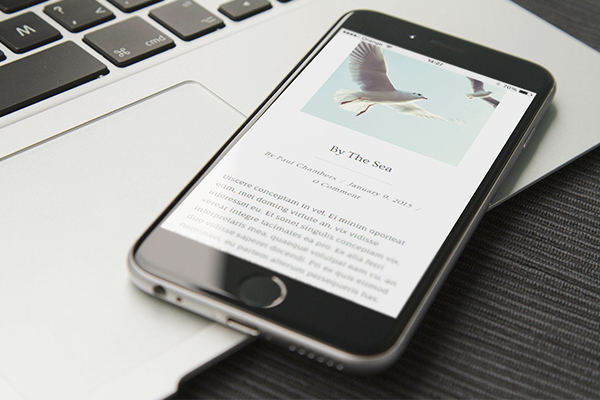
Calmer theme is designed to fully work across all modern devices and browsers. The blog theme layout will be responsive based on the current viewport. This feature is just to make sure that the website looks great not only on the desktops, but on the modern mobile devices as well.
Extensive Documentation
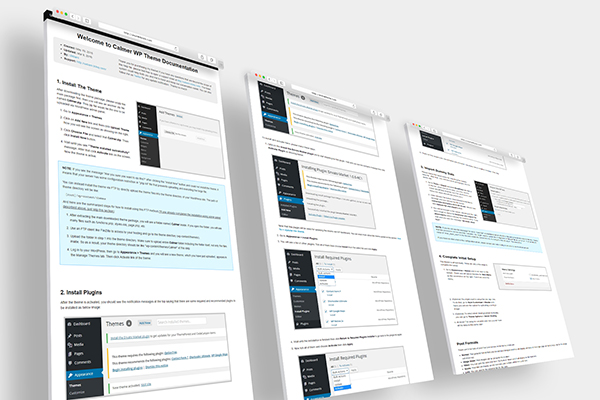
We know that struggling through the new theme setup can be a nightmare for users. With that in mind, we provide the extensive and easy-to-read documentation with all the details from the installation steps to the how-to tutorials of how to create a post and page with the theme and some other features that the theme provides.
Professional Support
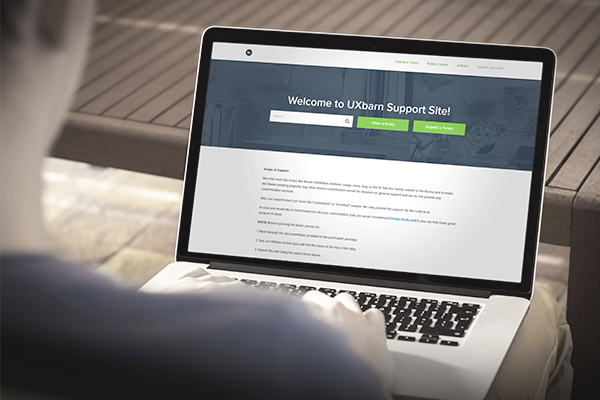
Our primary goal is that we just want you to be happy using the theme. If you have any questions regarding the theme like feature usage or found any issue, please feel free to open a ticket at our support site: http://uxbarn.ticksy.com/
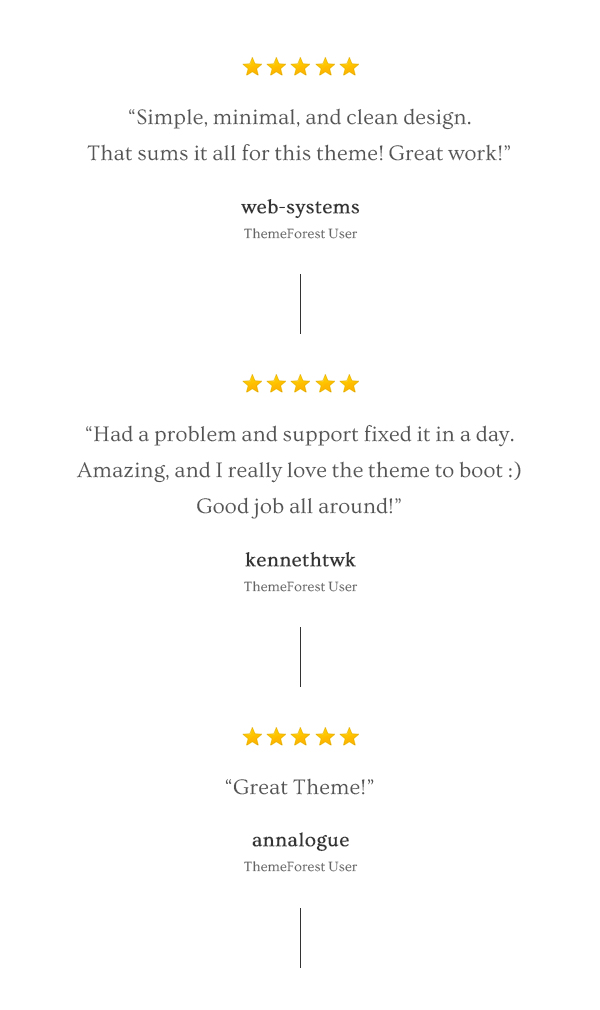
What our customers say about the Calmer blog theme
Full Feature List
- Simple, minimal, and clean design
- Fully responsive
- 2 blog list layouts
- Default
- Masonry grid
- 5 post formats:
- Normal
- Image Slider
- Video
- Quote
- Link
- Individual post styling (including page)
- Social sharing buttons
- Shortcodes support for Shortcodes Ultimate plugin
- Translation-ready using provided PO file
- Style Customizer with live preview
- Theme Options for theme settings
- Footer widget area
- Google Fonts supported
- Contact Form 7 plugin supported
- Child Theme supported
- XML dummy data file included
- Extensive documentation
Need Support?
We fully support operational components such as features usage, issue, bug, or the fix that are mainly related to the theme and to make the theme working properly. Please go to http://uxbarn.ticksy.com/ for our support site.Connect with Us
Let’s get in touch for the latest news and updates!


Additional Note
This theme is for self-hosted WordPress sites only (wordpress.org). It is not compatible with “wordpress.com” sites. Here are the differences between the two: https://uxbarn.com/go/wordpress-org-vs-wordpress-com/Most photos in the live preview are not included in the package. However, we have instead created all image placeholders for you so you can quickly apply your own images to the areas.
Thank You!
Thank you so much for your interests. Your comments and ratings would be much appreciated.
Changelog
Version 1.1.4 (Apr 16, 2019)
==============================
- Update: OptionTree to 2.7.0

Version 1.1.3 (Aug 16, 2016)
==============================
- Fix the text domain of Vietnamese charset selection
- Update PO file

Version 1.1.2 (Jul 1, 2016)
==============================
- Disabled "Smooth Scrolling" by default.
- Fixed a bug in Google Fonts URL encoding
- Added "Vietnamese" to the Google character set
- Updated TGMPA to 2.6.1

Version 1.1.1 (Apr 17, 2016)
==============================
- Fixed the Featured Image display for the Related Posts section
- Fixed the display of search box
- Removed "[0]" out of the $post_images variable and added "true" to "get_post_meta()" when getting post images.
- Enabled the import/export functionality of the OptionTree plugin
- Updated "sanitize_callback" of Custom CSS field to fix the line break removal

Version 1.1.0 (Mar 9, 2016)
==============================
- Added a new option to prepend the Featured Image to the Post Images in Theme Options > Blog.
- Fixed password-protected post that did not display on the blog list page.
- Fixed "registerFancyBoxToWPImage()" in calmer.js.
- Fixed the position of search icon on tablet.
- Fixed the image caption of "Image Slider" format that did not display on the single page.
- Removed placeholder script as it can affect 3rd party web forms.
- Removed "[0]" out of the $post_images variable and added "true" to "get_post_meta()" when getting post images.
- Updated the "Back" word of mobile menu to be able to translate via PO file.
- Implemented a new theme update feature. (You can read more in the documentation.)
- Updated TGMPA class.
- Updated PO file.
- Updated documentation.

Version 1.0.4 (Oct 15, 2015)
==============================
- Fixed max-width and width of center-layout of post image when displaying on <=1280px viewport
- Fixed the height of blog-info on single page that trimmed the content
- Updated customizer code
- Updated PO file

Version 1.0.3 (Aug 16, 2015)
==============================
- Fixed the issue of duplicate IDs when using "display full post content" option (template-blog-content.php, style.css, calmer.js)
- Fixed duplicate ID of "categories-tags-wrapper" element when using "display full post content" option (template-blog-content.php, style.css)
- Fixed "blog-info" element that did not display properly on iPad (calmer-responsive.css)
- Fixed menu that is not completely centered when there is a search icon on the right (style.css)

Version 1.0.2 (Jun 3, 2015)
==============================
- Added a new theme option to display full post content on the blog list page. You can find this option in "Theme Options > Blog". (calmer.js, style.css, calmer-responsive.css, theme-options.php, template-blog-content.php, theme-functions.php)
- Fixed the comment section display when it is closed. (comments.php, style.css)
- Fixed center alignment for some posts, that may happen on 1024px res and below, by adding "display: block;" to ".grid .blog-info"  (style.css)
- Fixed post's image slider height on 600px res and below (calmer-responsive.css)
- Fixed the custom CSS output (output.php)
- Updated the code to print out "get_the_excerpt()" directly so any HTML tags in manual excerpt can be used (template-blog-content.php)
- Updated PO file

Version 1.0.1 (May 25, 2015)
==============================
- Updated the code to remove PHP anonymous function because it may cause fatal error on the server that has PHP older than 5.3 (functions.php, theme-functions.php)


